

Guides
Team Collaboration – Working Together as a Group
The teams feature is a shared workspace that allows you to collaborate and get things done in your organization, it’s much easier to share templates with your team.
This website uses cookies to improve your experience while you navigate through the website. Out of these, the cookies that are categorized as necessary are stored on your browser as they are essential for the working of basic functionalities of the website. We also use third-party cookies that help us analyze and understand how you use this website. These cookies will be stored in your browser only with your consent. You also have the option to opt-out of these cookies. But opting out of some of these cookies may affect your browsing experience.
Necessary cookies are absolutely essential for the website to function properly. These cookies ensure basic functionalities and security features of the website, anonymously.
Functional cookies help to perform certain functionalities like sharing the content of the website on social media platforms, collect feedbacks, and other third-party features.
Performance cookies are used to understand and analyze the key performance indexes of the website which helps in delivering a better user experience for the visitors.
Analytical cookies are used to understand how visitors interact with the website. These cookies help provide information on metrics the number of visitors, bounce rate, traffic source, etc.
Advertisement cookies are used to provide visitors with relevant ads and marketing campaigns. These cookies track visitors across websites and collect information to provide customized ads.
Other uncategorized cookies are those that are being analyzed and have not been classified into a category as yet.
Category:
The teams feature is a shared workspace that allows you to collaborate and get things done in your organization, it’s much easier to share templates with your team.
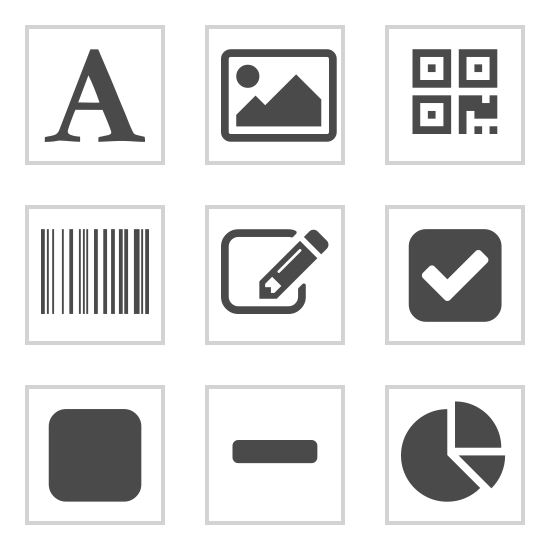
The PDF template editor consists of a rich set of components for you to build beautiful PDFs with powerful expressions, page-breaks and data-bindings. In this article, we will cover all the components in the PDF designer.
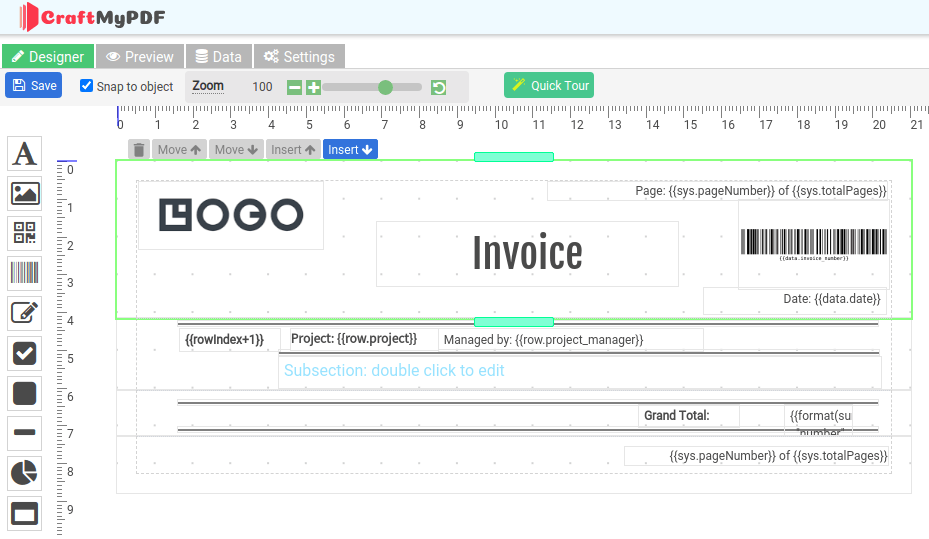
CraftMyPDF offers a web-based drag & drop PDF template editor that lets you design templates and generate pixel-perfect PDF documents from reusable templates. In this article, we will cover the basics of PDF template editor, page breaks, data-binding, preview, and others.

With CraftMyPDF’s PDF Generation API and Make.com integration, you can easily automate your workflow to create PDFs from a template. This tutorial will walk you through creating a PDF document with Make.com from CraftMyPDF’s PDF template. Prerequisite: You need to create a new PDF template first on CraftMyPDF. Read this step-by-step tutorial to create a new PDF

This tutorial covers the steps to create a new reusable template and also how to obtain the API Key in the web management console. 1. Create a new reusable PDF template on CraftMyPDF.com (i) Register or log in to http://craftmypdf.com (ii) After login, click on Manage Templates on the side menu (iii) In the Manage Templates page, click on New

Zapier makes it easy to connect your apps, but creating professional PDF documents from form submissions, CRM records, spreadsheets, or orders usually needs a dedicated PDF generation tool. In this guide, I’ll show you how to use CraftMyPDF with Zapier to automatically generate PDF documents from dynamic data. You can use this workflow for invoices,