
Free PDF Tool
Bulk PDF Generator
Turn your spreadsheets into professional PDFs in bulk. Create a template with CraftMyPDF, upload a CSV file and generate hundreds of personalized documents in minutes.
Perfect for invoices, certificates, reports, tickets, and more. No more copy and paste. No more formatting mistakes.
Get Started with Bulk PDF Generation tool
Built for businesses, schools, NGOs, event organisers, designers: Anyone who needs to turn structured data into polished, repeatable PDFs. Whether you’re sending invoices, certificates, reports, labels, or tickets, this tool helps you scale without repetitive manual work.
Click here to learn the steps to bulk generate PDFs
1 Upload CSV File
📋 What you need: A CSV file with column headers that match your CraftMyPDF template variables.
💡 Tip: Each row in your CSV will generate one PDF. Use the sample files provided for reference.
Click to upload or drag & drop your CSV file
Supported format: CSV with headers. The file is parsed in your browser.
2 Bulk PDF Generation
🔑 Setup Required: Enter your CraftMyPDF API key and template ID to start generating PDFs.
⚡ Performance: Configure batch size and delays to optimize generation speed and avoid API rate limits.
Configuration
From the API Integration tab in the CraftMyPDF portal. Stored only in this browser and sent only to api.craftmypdf.com.
Change this to use a regional endpoint.
📊 Data Overview: Review your CSV data and track PDF generation status for each row.
🎯 Actions Available: Copy JSON data, generate individual PDFs, or download completed PDFs directly from the grid.
🔍 Debug Information: Monitor all API requests and responses in real-time for troubleshooting.
📝 Log Details: View request data, response times, error messages, and full API responses for failed requests.
Request Logs
The Steps of Bulk Generate PDF Documents
Prerequisite: Sign up and Create a New Template. Before you begin, you’ll need to create an account on CraftMyPDF and set up a new template. The template defines the layout and design of your PDFs. Once you’ve created a template, you will receive a Template ID, which is required for the next steps.
In addition, you need sample data when designing a template. You can upload a CSV here, then use the “Copy” button to copy the JSON and paste it into the Data tab of the template.
-
Upload CSV
Prepare a CSV file containing the data you want to use for generating PDFs. Each row in the CSV represents a single PDF document. For example, if you’re generating certificates, each row might include the name of the recipient, course title, and date.
- Ensure your CSV headers match the variables defined in your template.
- Upload the CSV file into the Bulk PDF Generator tool.
-
Configure API
Once your CSV is uploaded, you’ll need to configure the API settings:
- API Key: Copy your API key from the CraftMyPDF portal(in API Integration Tab) and paste it here.
- Template ID: Enter the Template ID of the template you created earlier.
- Generation Options: Customize settings such as:
- Batch size (how many PDFs to generate per request)
- Delay between batches (to avoid hitting rate limits)
- etc …
-
Generate PDFs
Now you’re ready to generate PDFs:
- The tool will read each row of your CSV and send it to the CraftMyPDF API.
- PDFs can be generated one by one or in bulk, depending on your configuration.
- Track progress within the tool as your files are created.
- Once completed, download all generated PDFs individually or as a ZIP file.
Bulk PDF Generator FAQs
Questions about generating PDF in bulk
1. What types of documents can I create?
2. Do I need programming skills or design experience?
3. How many PDFs can I generate at once?
4. Can I schedule runs / automate this?
5. Can I preview before generating all PDFs?
6. Is there a delay or limit to how fast I can generate bunches of PDFs?
7. Is this secure? Are my data and output protected?
Why Choose Bulk PDF Generator by CraftMyPDF?
If you’re tired of manual document generation, mistakes from copy-pasting, or wasting time formatting each output and Bulk PDF Generator frees you up. More speed. More consistency. More scalability. You get professional-grade documents at the volume you need, without burning hours on repetitive tasks.
WIth No-code such as Zapier or Make.com and API support, you can connect your Google Drive and Typeform with this tool and set up quick automation using Make.com.
Easy to Use Drag-and-Drop Template Editor
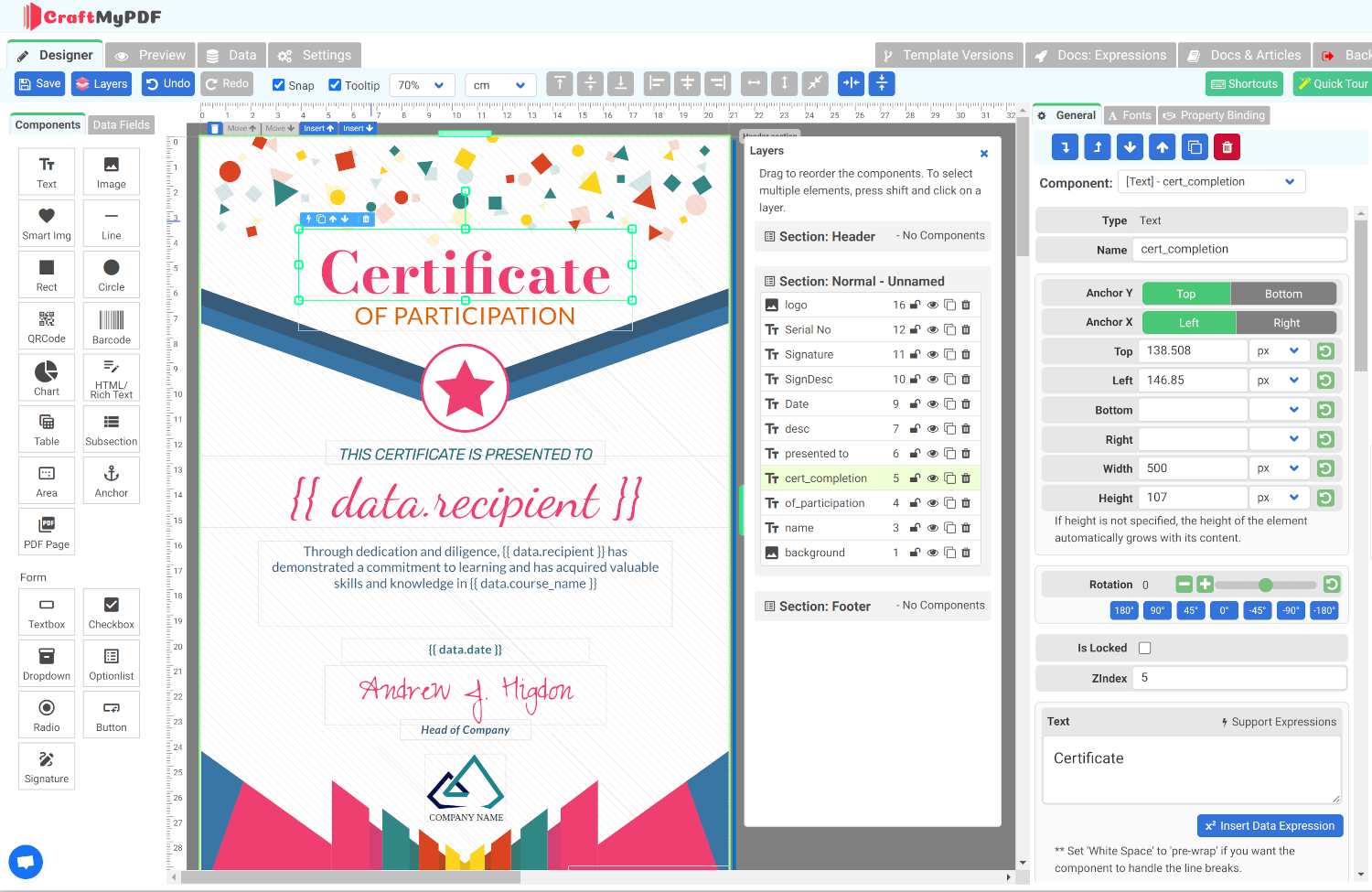
Create attractive-looking PDF certificates with our drag-and-drop template editor. Add your organization’s logo, change color, and fonts to make it more personalized.
You can quickly add additional details that you need, and you are good to go with your certificate template!
Want to Import Existing PDF Files as Templates? Get Started Now!
If you have an existing PDF certificate template or a template created with Canva and want to import and overlay additional information such as names and serial numbers, you might find following tutorials useful:
-
How to Create Dynamic PDFs or Images from Canva’s Designs
Export a Canva design, import it as a template background, and overlay the fields that change per recipient.
-
How to Dynamically Add Text, Images, and QR Codes to Existing PDF Documents
Keep a PDF you already have and stamp names, serial numbers, logos and QR codes onto it from your data.
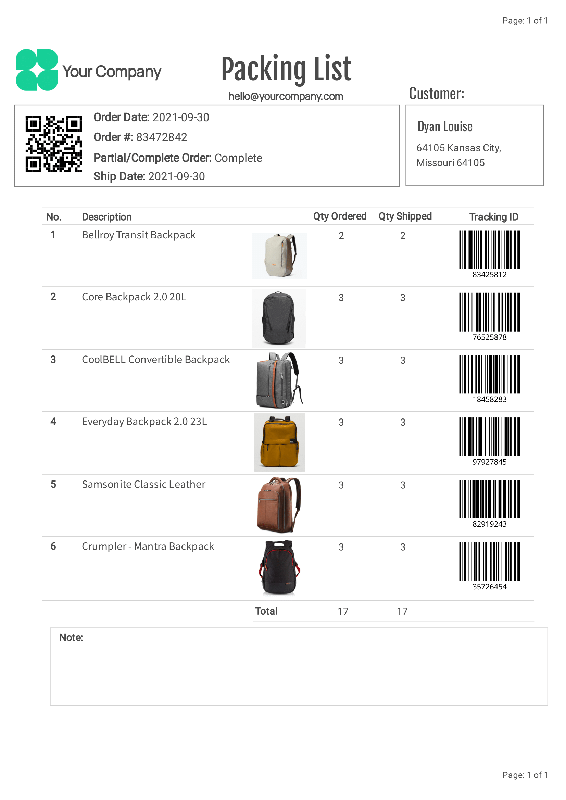
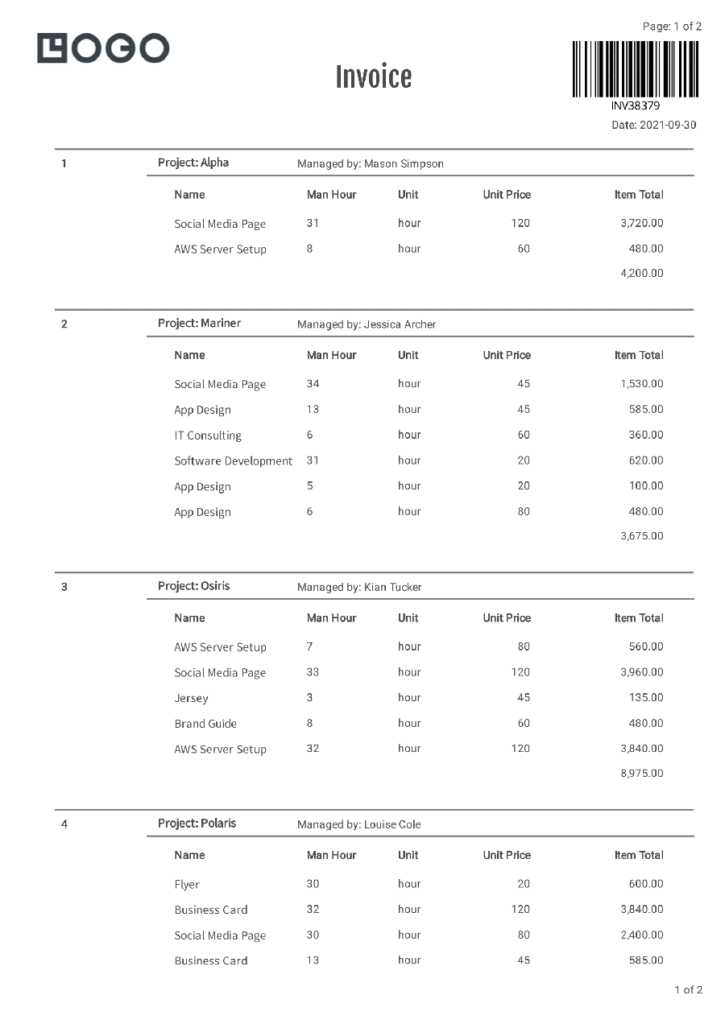
Sample Templates and CraftMyPDF's Template Editor
Click on the Launch Editor button to see CraftMyPDF’s template editor in action



Other tools
More free tools from CraftMyPDF.
-

Free Online Certificate Maker
Our tool lets you quickly pick a template, edit the details, and prepare a printable certificate in no time. Making a certificate is quick and easy in only three steps -

Free Online Event Badge Maker
Whether you’re hosting a small seminar or a large conference, our tool is designed to make badge creation effortless and efficient. -

Free Event Ticket Generator
Whether you’re organizing a music festival or business conference, our user-friendly platform provides a variety of professionally designed templates that can be tailored to your unique brand and style. -
Free Online Invoice Generator
To create professional invoices online for free with CraftMyPDF, simply upload your logo, and fill in your company information, bill-to information, and line items. -
Free Online Receipt Maker
Stand out with receipts that carry your unique branding. Upload your logo, define your business address and terms, fill in customer details and items, and customize notes and tax rates. -
Free Online Shipping Label Maker
Easily generate professional-looking shipping labels with our intuitive interface, customizable templates, and instant download. -

Free Online Address Label Maker
Create custom address labels effortlessly with our Free Online Address Label Maker! Ideal for personal use, business correspondence, or bulk mailing. -
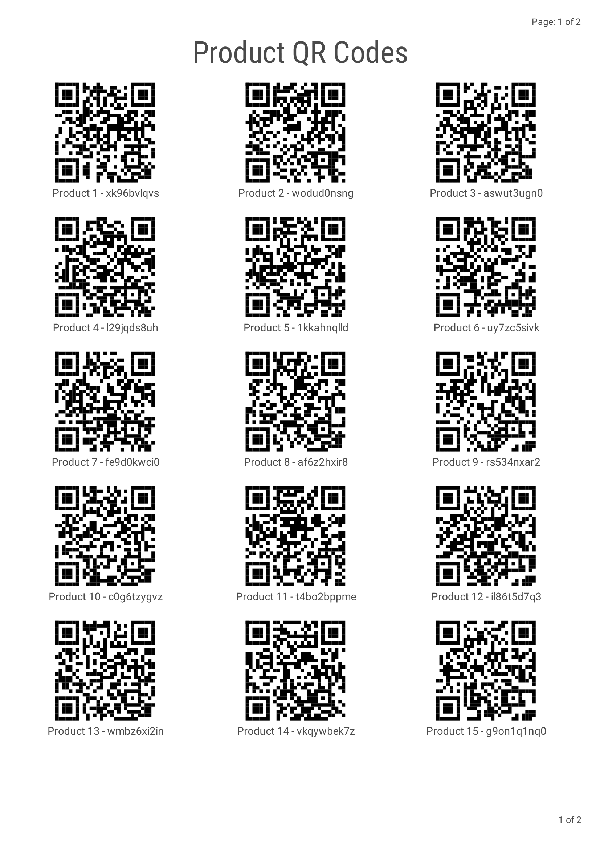
Free Online PDF QRCode Generator
To create QRCode online for free with CraftMyPDF, simply upload your logo, and fill in the information. Then click on the Generate button to generate QRCodes.
Start generating PDFs in minutes
Design templates in your browser and generate pixel-perfect PDFs through a simple REST API or your favourite no-code platform.
*No Credit-card Required!