











Automate Document Generation for Sales

Simplify your sales operations with automated document generation. Managing sales involves tracking inventory, analyzing performance, and handling countless documents.

CraftMyPDF empowers your business to streamline this process with ready-to-use templates and robust automation.

Easily integrate CraftMyPDF into your existing workflow using tools like Zapier and focus on growing your business while we handle the paperwork. From invoices and contracts to inventory reports, we’ve got your document creation covered.

Start automating your sales documents today and experience a smoother, more efficient process.

*No Credit-card Required!

Document Generation Made Easy with CraftMyPDF

Below are some key documents that you can quickly start using this platform:

Contracts

CraftMyPDF has several Contracts that you can use as templates to create agreements for your business. For example, if you’re selling products on eBay, you can use the Selling Online Contract.


Sales Agreements

Sales agreements are typically used to establish a business relationship. You can use the Terms and Conditions Template for Commercial Sales as a guide to creating a standard sales agreement template for your company.


Purchase Agreements

Purchase agreements are used to establish a relationship between a buyer and seller. Additionally, if the purchase includes multiple items, you can also use this document to list all of them.


Quotes

If you want to create an estimate of the products or services that your business will provide, then you can use various available business services quotation templates on CraftMyPDF.


Receipts

If you are receiving payment from customers, the CraftMyPDF has several receipts that you can use to keep track of the details.


Purchase Orders

Purchase orders are used to indicate the items that will be purchased. This document is typically used for bulk orders so that you can create several purchase order templates on CraftMyPDF.

Features of CraftMyPDF

Easy to Use Drag-and-Drop Template Editor

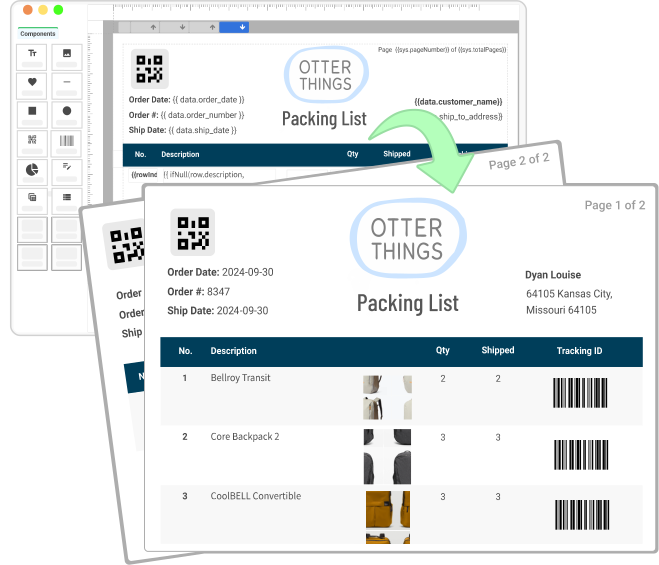
Design professional PDF templates visually with our easy-to-use editor.

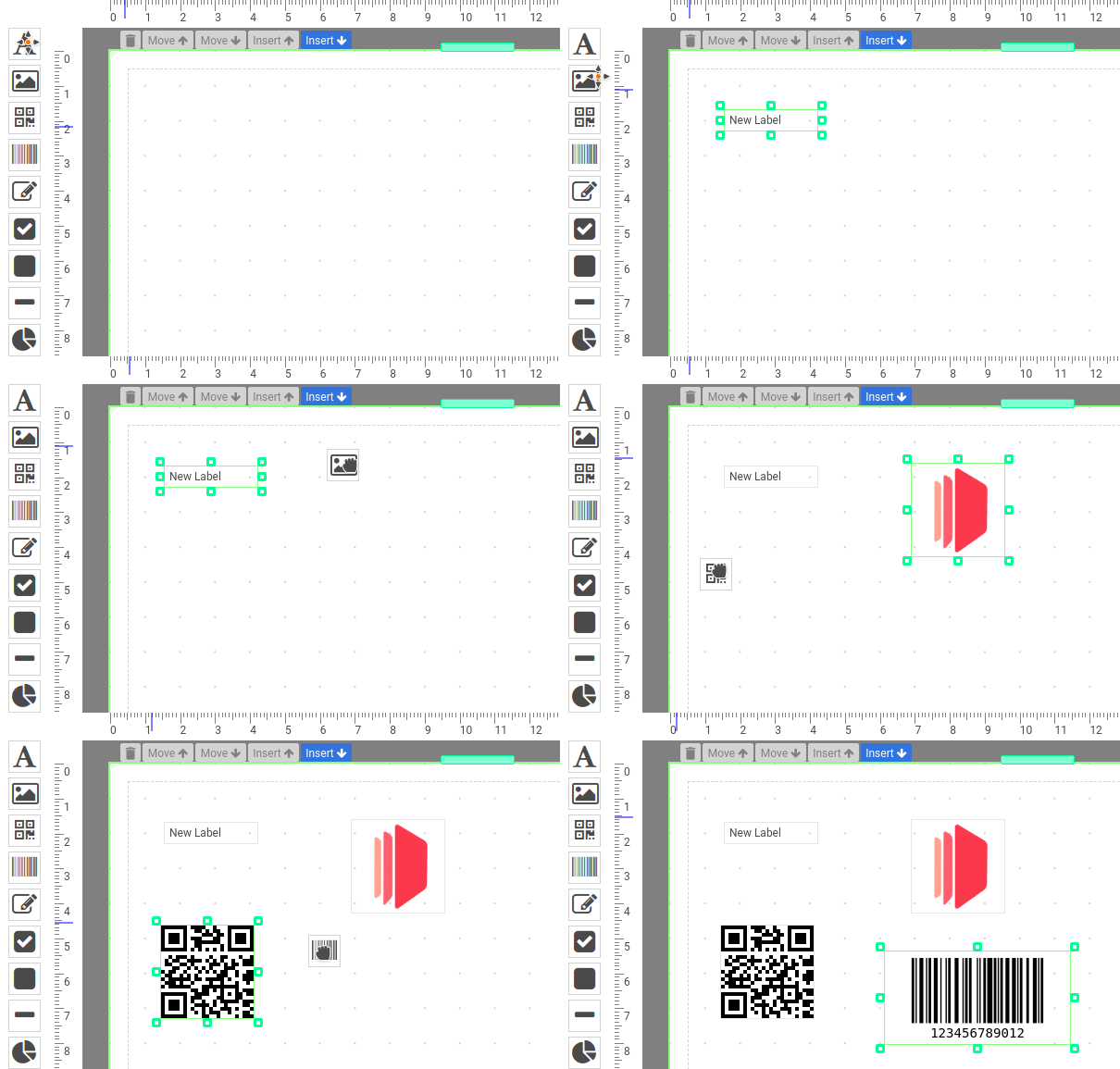
Add text, images, QR codes, barcodes, shapes, tables, charts, and more: no complex layout work needed.

Importing Existing PDF Files as Templates

Reuse your current PDFs by importing them directly as editable templates.

Overlay text, images, QR codes, and dynamic data while preserving the original layout.

Powerful Expressions & Formatting Support

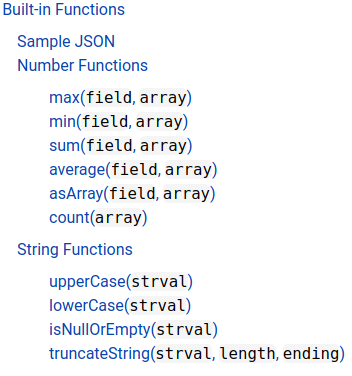
Format dates, currencies, numbers, and text with built-in expressions. Learn more about our built-in functions.

Need more advanced logic? Extend your templates with custom JavaScript functions.

Generate PDF Documents Within Your Region

Generate and store PDFs closer to your users with regional endpoints.

Available in the US, EU, Singapore, and Australia to support data residency and lower latency.
Learn more

PDF Generation & Image Generation API

Our cloud-based API helps you to generate PDF documents or images (JPEG/PNG) .

We support synchronously or asynchronously PDF generation scale without the costs of maintenance.

Automate with Nocode or Lowcode Platforms

Automate document workflows with Zapier, Make, Bubble, Coda, and REST API integrations.

Connect CraftMyPDF to the tools your team already uses.

Support of Fillable Components

With our fillable components, you can create PDF forms using our drag-and-drop editor.

We offer fillable components such as text boxes, checkboxes, dropdown menus, radio buttons, and signature fields.

Embed the Editor in Your App

Bring the CraftMyPDF template editor into your own product or internal tool.

Let your users create and manage templates without building a PDF editor from scratch.

An Intuitive Template Editor for Automation and Content Creation

Advanced Drag & Drop Editor

No code required!

Our advanced editor allows you to easily create new PDFs by dragging and dropping the elements into your PDF templates.

You can create PDF documents easily such as invoices, reports, delivery notes that reflect your brand.

If you are still converting HTML code to PDFs and looking for an easy way to create PDF documents – Our PDF template editor does not require HTML or CSS knowledge.

Learn more about the PDF designer.

editor-ani

Support of Expressions & Advanced Formatting

An expression is essentially a javascript syntax enclosed in {{ and }}. The expression is any valid set of variables, operators, and expressions that evaluates to a single value. The value may be a number, a string, an array or a logical value.

You may also use any of the standard built-in objects such as Math, String, Array or methods in the expressions.

Advanced Formatting with Expressions

Our template editor supports advanced formatting.  You can easily format number, currency and date time with CraftMyPDF’s expressions.

The following is an example to format a currency field:

{{ format(data.total_amount, "number", "$0,0.0000") }}

Integrations


curl -X POST \
--header "Content-Type: application/json"  \
--header 'X-API-KEY: 7832MjA6MTE6UjlkM3h4emxpTExzeFR0aQ=' \
--data '{"template_id": "05f77b2b18ad809a", "export_type":"json", "expiration": 10, "output_file":"my_new.pdf", "data":  "{ \"invoice_number\": \"INV38379\", \"date\": \"2021-09-30\",  \"currency\": \"USD\", \"total_amount\": 82542.56   }", "output_file": "output.pdf"}' \
  "https://api.craftmypdf.com/v1/create"


Automate Your PDF Content Creation Workflow with No-code, Low-code Platforms or REST API

Streamline your workflow and save time on repetitive PDF document creation with our easy integrations with Zapier, Integromat, Bubble.io and REST API.

We support regional API-endpoints. A regional API endpoint is intended for customers in the same region. The data for the request and generated PDFs are processed and stored within the region.

With our integration with Zapier, Make.com, Coda.io, Bubble.io, FlutterFlow, Backendless, and REST API,
Your PDF generation has never been so easy!

Zapier

Make.com

Bubble.io

Backendless

Flutterflow

Coda.io

Python

REST API

Sample Templates and CraftMyPDF's Template Editor

Click on the Launch Editor button to see CraftMyPDF’s template editor in action

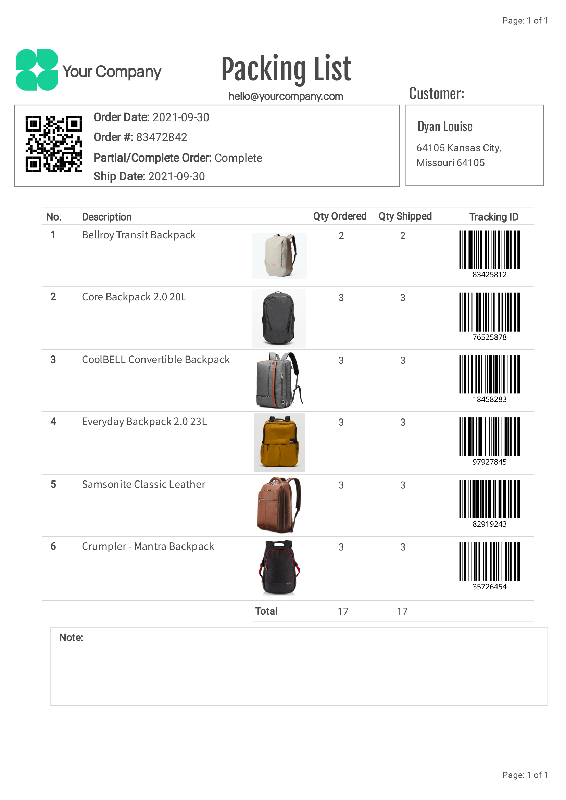
Packing List

Launch Editor | View PDF

A packing list with images and barcodes

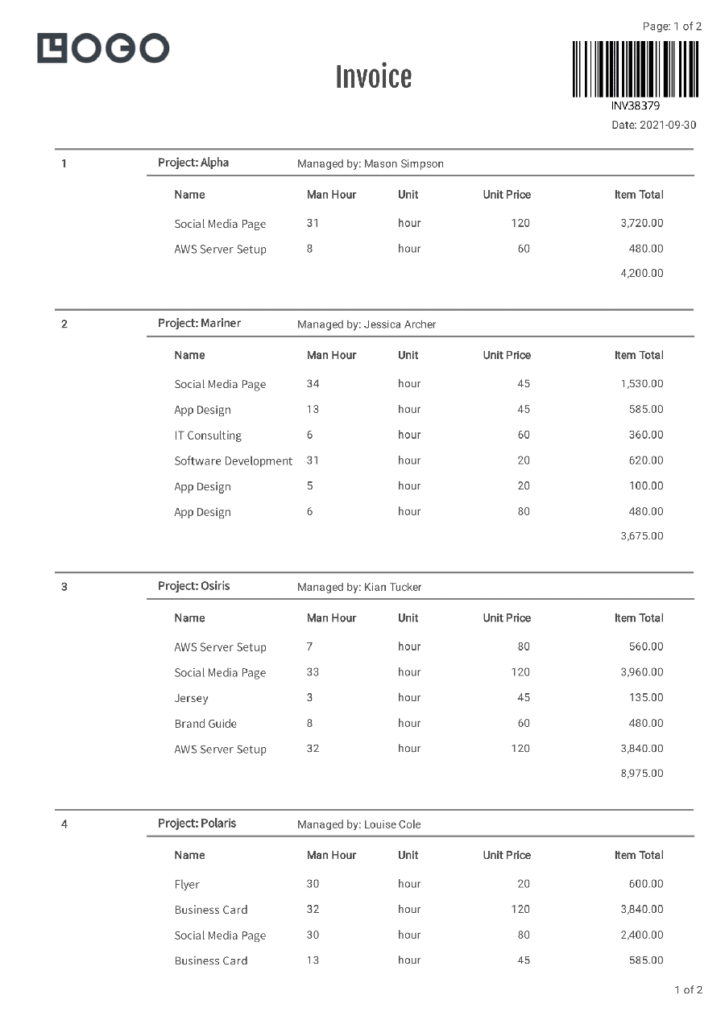
Complex invoice

Launch Editor | View PDF

Complex Invoice with multiple-level JSON(using sub-section)

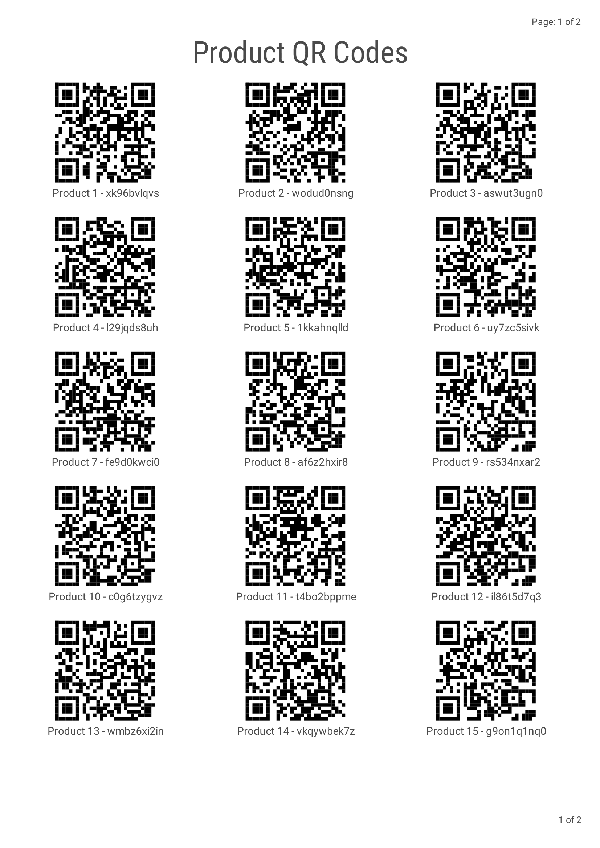
QRCodes

Launch Editor | View PDF

3 QRCode columns in a row

Certificate Sample 1

Launch Editor

Modern and Geometric Purple Certificate

Certificate Sample 2

Launch Editor

Bold and Dynamic Certificate

Certificate Sample 3

Launch Editor

Colourful, Fun & Celebratory Pink Certificate

Customer Reviews

Trusted by individual developers and businesses, we have generated over 10 millions of high-quality PDFs!

See what our customers have to say about us

*No Credit-card Required!

Copyright ©2026 CraftMyPDF.com

Email us at hello@craftmypdf.com for support