
If you’re generating invoices, reports, certificates, proposals, or even internal reports, an HTML to PDF conversion setup is still the fastest way to ship something that looks professional.
HTML and CSS are already the most common document layout tech. Your product UI, emails, and marketing pages are built on them. So instead of learning a new document format, you can reuse the same skills (and sometimes even the same components) and let a PDF generation API handle the messy parts: rendering, fonts, page breaks, and producing a file that looks the same everywhere.

In this guide, we’ll compare 7 popular PDF Generator API options for 2026 with a practical lens: features,pricing, integrations, and the features that matter day-to-day (such as templates, HTML/URL rendering, headers/footers, bulk generation).
By the end, you should have a clear short-list of one or two tools to try first and you can validate it quickly by generating a real invoice/report from your own data.
Quick pricing snapshot
Before diving into the details, here’s a side-by-side view of what each tool costs and what it’s best suited for.
Notes: Some vendors use sliders / usage calculators where the exact monthly price depends on the number of credits you pick. In those cases, I list the free tier and any explicit monthly example they publish.
| Provider | Best for | Monthly pricing |
|---|---|---|
| APITemplate | All‑in‑one template builder (PDF + images) with lots of integrations | PDF+Image plans: Free $0 (50 images/PDFs), Starter $35, Standard $89, Enterprise $179. PDF‑only plans: PDF Basic $24, Standard $89, PDF Enterprise $179. |
| CraftMyPDF | Drag‑and‑drop templates + automation platforms | Free $0, Lite $29, Plus $49, Professional $99, Premium $299, Business $499, Enterprise $799. |
| DocRaptor | High‑fidelity PDF output (Prince) + compliance | Free $0 (5 docs/mo), Basic $15, Professional $29, Premium $75, Max $149, Bronze $399, Silver $1000 (Enterprise = contact). |
| PDFShift | Simple HTML→PDF API with credit-based usage | Free plan includes 50 credits/month; they also reference a $24/month Boost plan example (2,500 monthly credits) in their overage explanation. |
| PDFMonkey | Collaborative document templates (Chrome-based rendering) | Paid plans range from €5 to €300/month and a limited free plan (20 docs/month, no external assets). |
| PDFCrowd | Mature converter API with credit-based billing | Nano $1/mo, Micro $11/mo, Small $23/mo, Medium $35/mo. |
| CloudConvert | General conversion platform (includes HTML→PDF) | free includes up to 10 conversions/day and paid subscription price depends on selected monthly credits. |
Now let’s break down each tool in more detail.
Why HTML to PDF is still relevant in 2026
It’s easy to assume PDFs are “old tech”, but HTML to PDF conversion is still one of the most practical ways to generate documents at scale (especially when powered by a modern PDF Generator API). Here’s why it keeps winning:
- HTML/CSS is everywhere. Your team already knows it, your design system is probably built on it, and you can reuse existing components and styles instead of learning a niche document format.
- Browsers set the rendering expectations. When stakeholders say “make it look like our web page,” HTML is the closest starting point.
- Templates are easy to iterate. Marketing changes a logo, finance tweaks an invoice line, ops updates a certificate layout – HTML templates are quick to adjust without rewriting a whole pipeline.
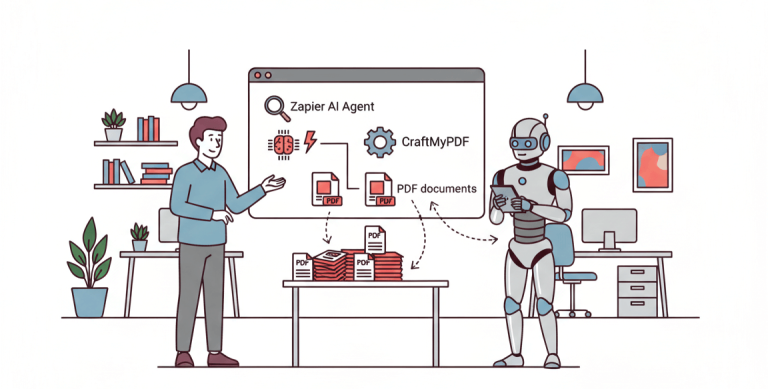
- It fits modern SaaS workflows. You can generate on-demand, in bulk, from webhooks, or via automation tools (Zapier/Make/N8n) without rebuilding your app.
- PDF is still the universal “final format”. It’s widely accepted for invoicing, compliance, reporting, printing, and archival – and it looks the same when shared.
In short, HTML is the language your team already knows, and PDF is the format your customers and partners expect. A good PDF generation API bridges that gap so you can focus on content rather than rendering infrastructure.
1) APITemplate
Best for: teams who want a flexible PDF document workflow with reusable templates for consistency and HTML/URL rendering for maximum freedom.
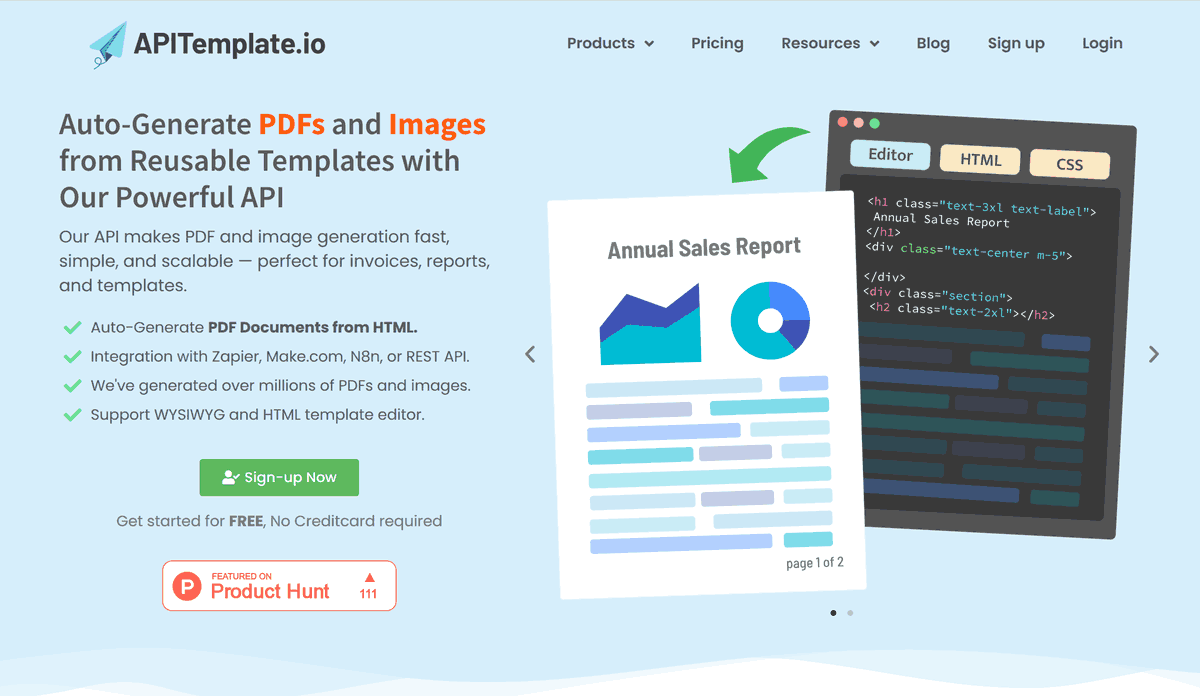
APITemplate offers PDF generation API without you managing rendering infrastructure. The typical workflow: design a template once, then generate PDFs by sending JSON data (customer name, line items, totals, etc.).
Non-devs can adjust layouts in the visual editor, while devs can drop into HTML/CSS when needed. Common use cases include invoices, receipts, certificates, proposals, and scheduled reports.
Integrations & feature highlights
- Easy to integrate: Works with Zapier, Airtable, Make.com, Bubble.io, n8n, UiPath, or directly via REST API.
- 3 ways to generate PDFs:
- Template-based PDF generation (create PDFs from predefined templates)
- HTML to PDF generation (convert HTML content directly into PDF)
- URL to PDF generation (convert a web page to PDF by providing a URL)
- Custom CSS & JavaScript: Supports custom styling and scripting for advanced layout and customization.
- API Console preview: Preview output and fine-tune your JSON data quickly while building.
- Headers & footers: Supports custom headers/footers, including page numbers and total page count.
Why people pick it
- Template editor options: visual/WYSIWYG and HTML-based PDF templates.
- Lots of “connectors” (Zapier/Make/N8n/Airtable) for non-dev workflows.
- Good fit if you want both PDF + image generation under one roof.
Monthly pricing
- PDF + Image plans: Free $0, Starter $35, Standard $89, Enterprise $179.
- PDF-only plans: PDF Basic $24, Standard $89, PDF Enterprise $179.
Good choice if: you want an all-in-one template tool with automation integrations, and don’t want to manage rendering infrastructure.
2) CraftMyPDF
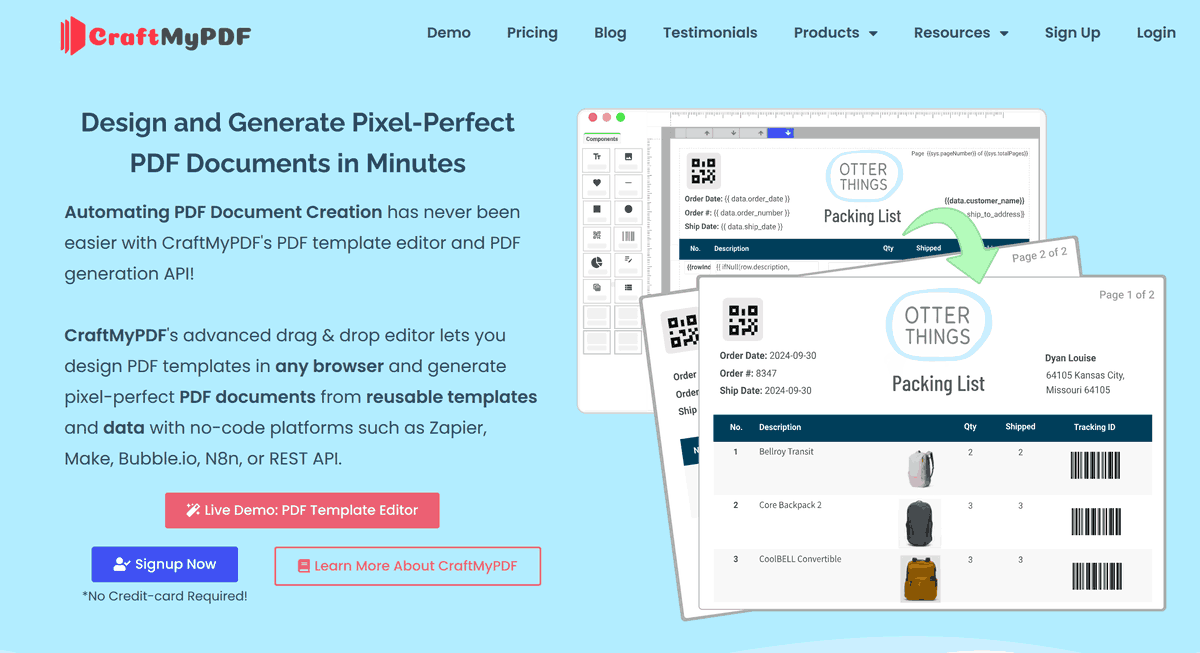
Best for: a builder-style experience (drag-and-drop template editor) plus strong automation integration. CraftMyPDF has a built-in HTML component so you can mix drag-and-drop layout and hand-crafted HTML for pixel-perfect control when you need it.
Integrations & feature highlights
- Works with popular no/low-code tools: Official site lists integrations with Zapier, Make.com (formerly Integromat), Bubble.io, Coda.io, and REST API.
- Automation-first use cases: Official integration guides show generating invoices, packing lists, reports, etc. via Zapier and Make.com.
- Template builder: Promotes a drag-and-drop designer for reusable templates.
- HTML component in the drag-and-drop editor: CraftMyPDF includes an HTML component you can use inside the visual editor.
- Dynamic variables in the HTML component: The HTML component supports dynamic variables, so you can generate dynamic HTML content from your data.
- Markdown → HTML → PDF: It supports Markdown to HTML, which you can render through the HTML component to convert Markdown to PDF.
Why people pick it
- Friendly template builder for non-designers.
- Smooth experience when pairing with Zapier/Make/Bubble workflows.
- Good plan ladder from hobby → business → high-volume.
Monthly pricing
Free $0, Lite $29, Plus $49, Professional $99, Premium $299, Business $499, Enterprise $799.
Good choice if: you want a full product experience (not just an API endpoint) and you expect to scale your usage over time.
3) DocRaptor
Best for: when your PDFs need to look truly print-ready (complex layouts, pagination rules, typography), and you care about compliance.
Integrations & feature highlights
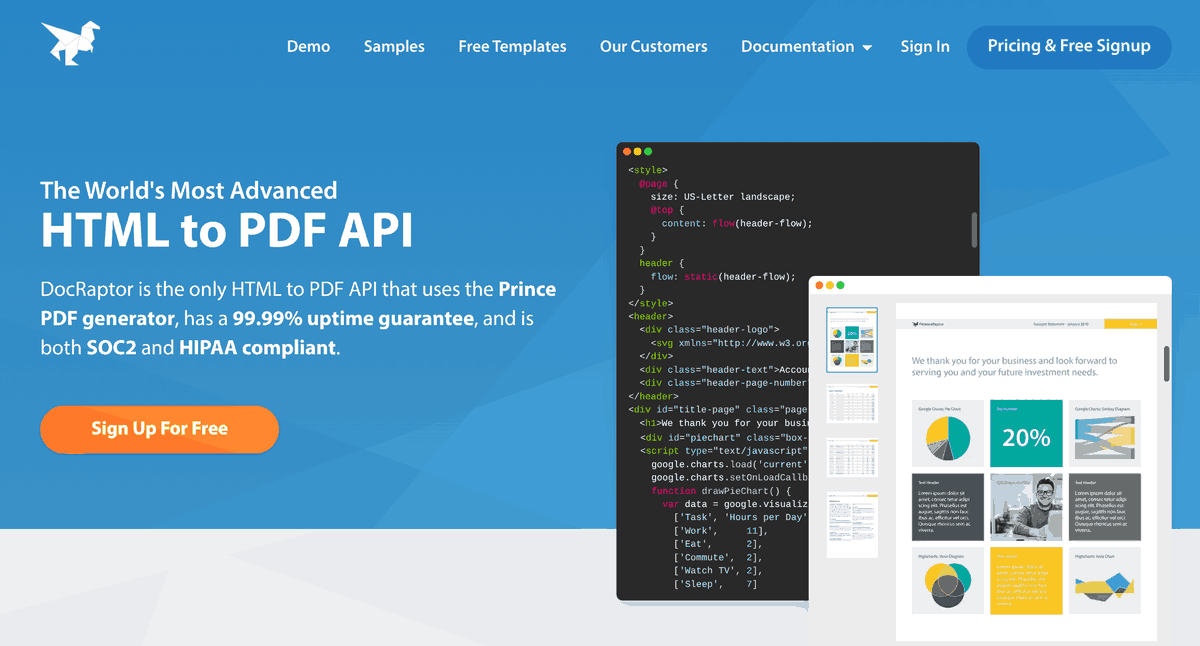
- Prince-powered rendering: DocRaptor converts HTML to PDF using the Prince engine.
- Reliability & compliance positioning: Official site highlights 99.99% uptime and compliance claims (e.g., SOC 2 / HIPAA).
- API options + debugging: Official docs describe Prince-specific options and multiple JavaScript parsing engines.
- Integration guides: Official “Integrations” section includes guides (e.g., Zapier, Drupal).
Why people pick it
- Uses the Prince rendering engine, known for high-fidelity results.
- Clear pricing table with doc quotas.
- Strong positioning around uptime and compliance.
Monthly pricing
Free $0 (5 docs/mo), Basic $15, Professional $29, Premium $75, Max $149, Bronze $399, Silver $1000, Enterprise (contact).
Good choice if: you value output quality and reliability more than the cheapest per-PDF cost.
4) PDFShift
Best for: developers who want a straightforward HTML→PDF API, credit-based usage, and simple scaling.
Integrations & feature highlights
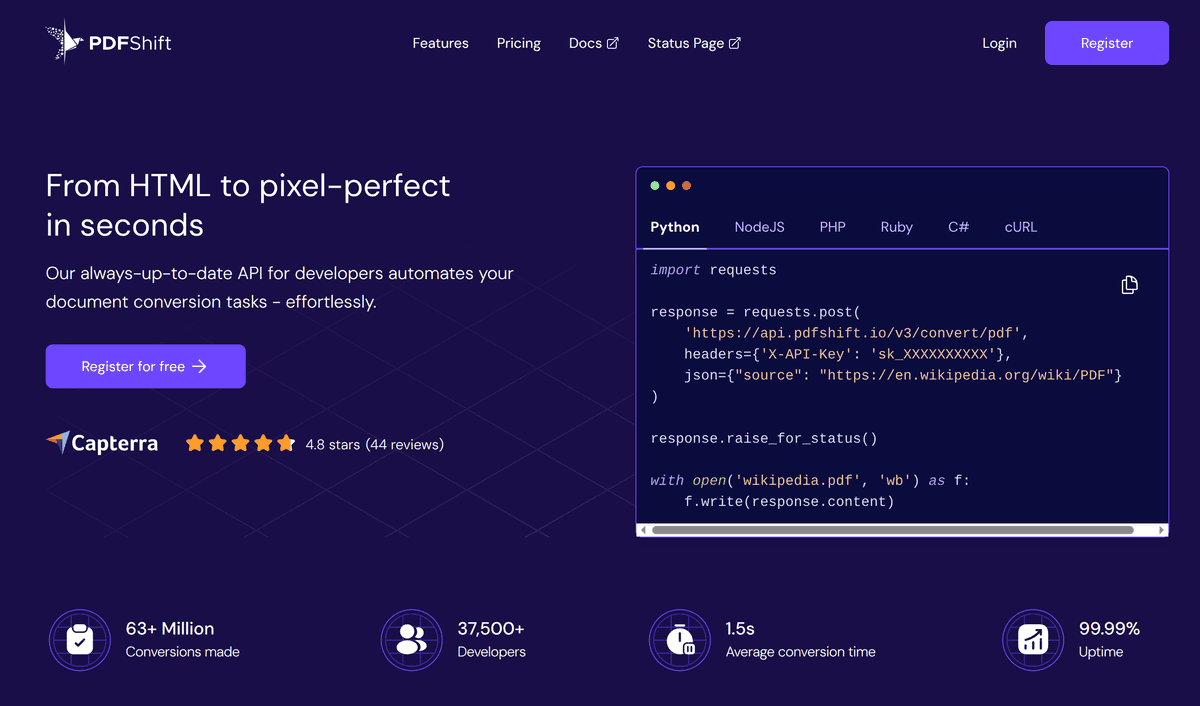
- API-first HTML/URL → PDF: Positioned as an API to convert HTML/CSS documents to PDF, and you can try it with 50 free credits/month.
- Headers & footers support: Official docs show configurable header/footer rendering separate from the body styling.
Why people pick it
- Very “API-first” and easy to try.
- Credit model can be convenient if your usage is spiky.
- Mentions privacy and security-oriented positioning.
Monthly pricing
- Free plan: 50 credits/month.
- $24/month Boost plan for 2,500 monthly credits (used in their overage calculation example).
Good choice if: you want something simple, and you prefer “pay by credits” style usage.
5) PDFMonkey
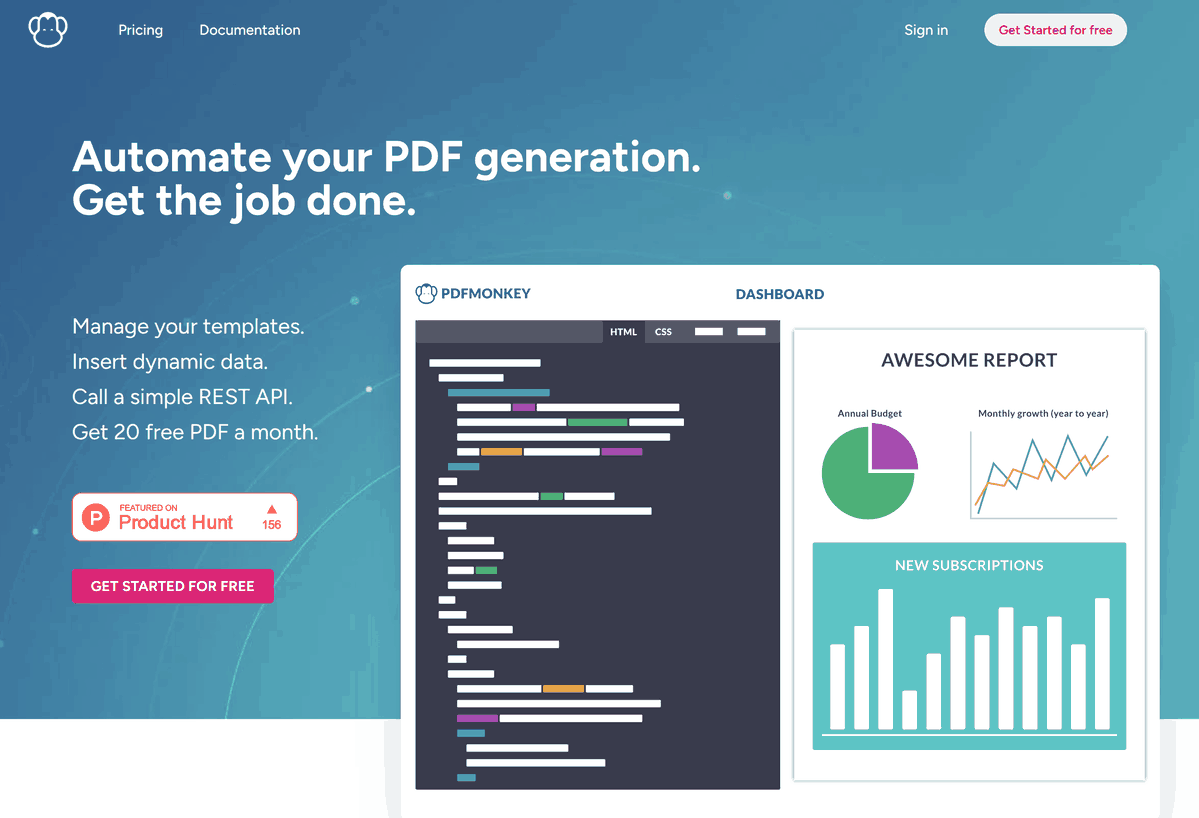
Best for: teams that want collaborative template creation and a Chrome-based renderer.
Integrations & feature highlights
- Template workflow: Official homepage highlights managing templates, inserting dynamic data, and calling a REST API.
- Template structure: Official docs describe templates as HTML + (Liquid) placeholders, CSS, test data, and print settings.
- Automation integrations: Official guide covers using Zapier to automate downstream steps after PDF generation.
Why people pick it
- Template collaboration features (team-based workflow).
- Clear monthly quota tiers (docs per month).
Monthly pricing
Free plan starts with 20 documents/month
- Starter: €5/month
- 300 documents/month
- 1 day document retention
- Load images, fonts, CSS & JS
- Pro: €15/month
- 3,000 documents/month
- 7 days document retention
- Load images, fonts, CSS & JS
- Pro+: €60/month
- 5,000 documents/month
- Unlimited document retention
- Load images, fonts, CSS & JS
- PDF share links
- Premium: €300/month
- 60,000 documents/month
- Unlimited document retention
- Load images, fonts, CSS & JS
- PDF share links
Good choice if: you like their editor/workflow and you’re okay selecting a plan based on quotas + checking the live pricing page for the current €/month.
6) PDFCrowd
Best for: a long-running conversion service with a broad set of formats and a credit-based approach.
Integrations & feature highlights
- HTML→PDF API core features: Official feature list includes headers/footers, page size/margins, convert from URL/HTML file, JavaScript/CSS injection, viewport control, watermarks, page breaks, password protection, and many configuration parameters.
- More than just HTML→PDF: Official API lineup also includes HTML→Image, PDF→Image, PDF→Text, Image→PDF, etc.
Why people pick it
- Mature API offering and lots of related converters.
- Useful if you want HTML→PDF plus other conversions in the same ecosystem.
Monthly pricing
Nano $1/mo, Micro $11/mo, Small $23/mo, Medium $35/mo.
Good choice if: you want a mature vendor with a broader “conversion toolbox”.
7) CloudConvert
Best for: if HTML→PDF is just one part of a broader file conversion pipeline.
Integrations & feature highlights
- No-code automation: Official integrations page lists Zapier, Make, Microsoft Power Automate, and n8n.
- API v2 workflows: Official API docs mention the Zapier integration for API v2 and Power Automate support for building multi-app workflows.
- Official SDKs: CloudConvert provides an official Node.js SDK for API v2.
Why people pick it
- Supports many formats and pipelines.
- Has both packages and subscriptions; suitable for varied conversion workloads.
Monthly pricing
- Free tier: up to 10 conversions per day.
- Paid pricing is slider-based: your monthly subscription price depends on the number of conversion credits you pick.
Good choice if: you’re already using CloudConvert for other conversions and want to keep everything in one place.
How to choose (without overthinking it)
If you’re stuck, don’t over-optimize. Pick based on your doc type and who owns the templates.
Start with one simple question
Do you want a “template product” (editor + workflow) or a “pure API converter”?
- If you want non-devs to tweak layouts, reuse templates, and ship faster → you want a template product.
- If you already have HTML pages and just need reliable rendering → you want a converter-style API.
Quick rules (with a bit more nuance)
Need the best PDF fidelity for complex layouts (tables, multi-page reports, strict pagination)?
Start with DocRaptor. It’s the safest bet when your PDFs are basically “print documents” and layout correctness matters more than anything.Want a product feel with templates + automation (and you don’t want to babysit rendering infrastructure)?
Look at CraftMyPDF or APITemplate.- Choose CraftMyPDF if you like a drag-and-drop workflow but also want an HTML component for pixel-perfect blocks when needed.
- Choose APITemplate if you want flexibility across template-based, HTML→PDF, and URL→PDF, plus lots of integrations.
Prefer a minimal API-first credit model (send HTML/URL, get PDF back, done)?
PDFShift is worth testing. Great when you don’t need a full template product and you just want straightforward HTML to PDF conversion.Doing lots of other file conversions too (DOCX, images, archives) and want one vendor?
CloudConvert may reduce tool sprawl. It’s more of a conversion platform than a PDF-only specialist.
A practical way to decide in 10 minutes
Pick one real document (not a demo) and run this checklist:
- Does it paginate correctly? (page breaks, footers, long tables)
- Can you iterate quickly? (template edits + preview)
- Can your team own it? (dev-only vs ops/design-friendly)
- Does pricing match your usage? (steady volume vs spiky)
- Does it fit your workflow? (Zapier/Make vs API-only)
If a tool passes those 5 checks with your real data, you’ve basically found your winner.
Conclusion
All seven tools can handle HTML to PDF conversion well. The “right” choice comes down to what matters most for your workflow: a template product with a visual builder and automation integrations, a high-fidelity PDF engine for print-ready output, or a general conversion platform when PDF is just one of many formats you need.
The good news is that most of these services offer free tiers, so you can test them with a real document before committing. Pick one or two that match your use case, run your actual template through them, and see how the output looks. That hands-on test will tell you more than any feature comparison.
if CraftMyPDF looks like a good fit based on what you’ve read, it’s worth giving it a spin. The free plan includes 50 credits/month, which is enough to build a real template, test it with your data, and see if the workflow clicks.
Ready to get started? Sign up for a CraftMyPDF account.