PDF Generator API vs PDFMonkey vs CraftMyPDF: Which PDF Generation API To Use
 By Jacky Tan Updated July 7, 2026
PDF Generator API, PDFMonkey or CraftMyPDF? A side-by-side look at editors, pricing and best use cases so you can pick the right PDF API fast.
TL;DR: Picking the right PDF generation API comes down to your workflow. PDF Generator API is built for multi-tenant SaaS, with an embeddable editor so your own users can manage their templates. PDFMonkey is a lean, code-first tool for developers who live in HTML and CSS. CraftMyPDF sits in between, pairing an easy drag-and-drop editor with PDF and image generation, regional endpoints, and SOC 2 Type 2 compliance. This comparison breaks down their features, pricing, and best use cases so you can find the right fit.
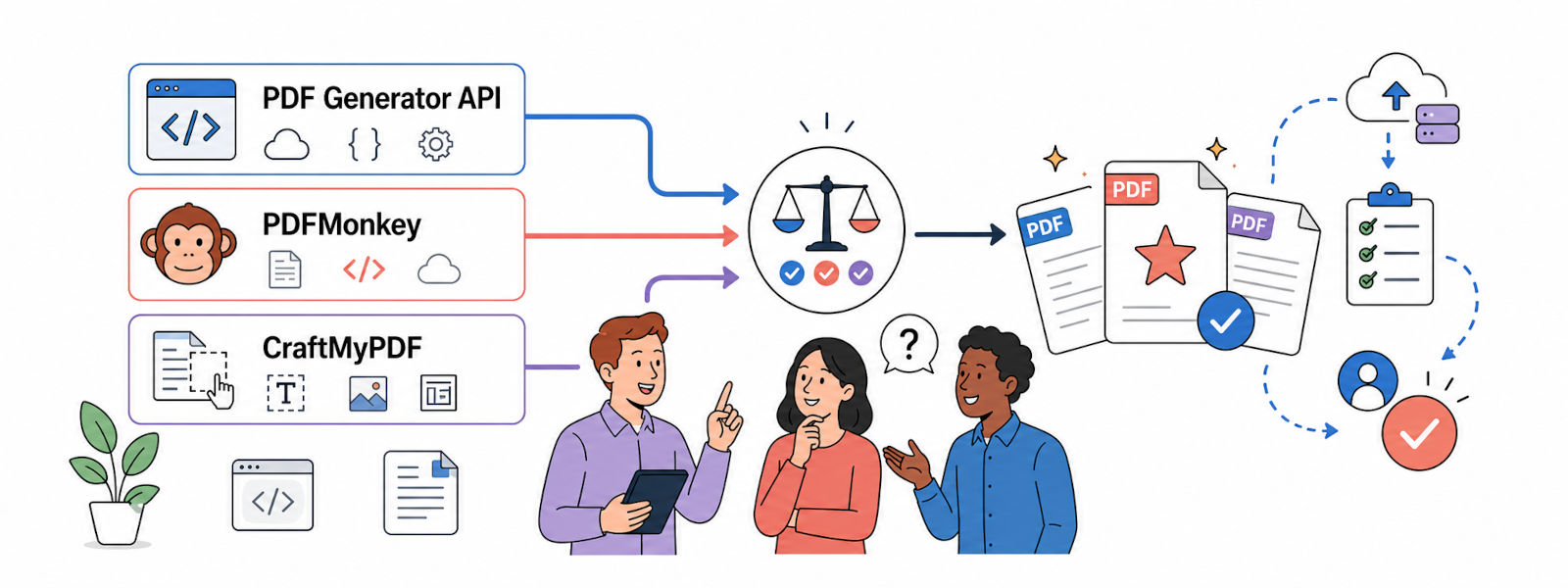
If you are hunting for the best PDF generation APIs, you are in the right place. PDF Generator API, PDFMonkey, and CraftMyPDF all look similar at first glance, but once you dig in, they are built very differently. The features, the limits, the pricing, and the real-world experience are all different.
Before we get into the details, here is a quick comparison.
Quick Comparison Table
| Feature |  PDF Generator API PDF Generator API |  PDFMonkey PDFMonkey |  CraftMyPDF CraftMyPDF |
|---|---|---|---|
| Template editor | Drag and drop (WYSIWYG) | HTML/CSS + Liquid, with visual builder | Drag and drop (WYSIWYG) |
| PDF generation | Yes | Yes | Yes |
| Image generation | No | Yes | Yes |
| Async + webhooks | Yes | Yes | Yes |
| Regional endpoints | No | No | Yes US, EU, SG, AU |
| Bring Your Own Storage (BYOS) | No | No | Yes AWS S3, Cloudflare R2 |
| Template versioning | Yes | No | Yes |
| 2FA authentication | Yes | No | Yes |
| Embedded template editing | Yes | No | Yes |
| No-code integrations | Zapier, Make, n8n, Bubble | Zapier, Make, n8n, Workato, Bubble.io, Glide | Zapier, Make, n8n, Bubble, Coda, Airtable, HubSpot |
| Compliance | ISO 27001, HIPAA, GDPR | GDPR | GDPR, SOC 2 Type II |
| Free tier | 14-day trial | 20 docs/month | 50 PDFs or images/month |
| Entry paid plan | 8 euro/month 50 credits, ~50 short PDFs | 5 euro/month 300 docs | 29 dollars/month 1,200 PDFs, any length |
| Best for | Multi-tenant SaaS | Developers | Non-technical teams and startups |
Now let’s break each one down.
PDF Generator API
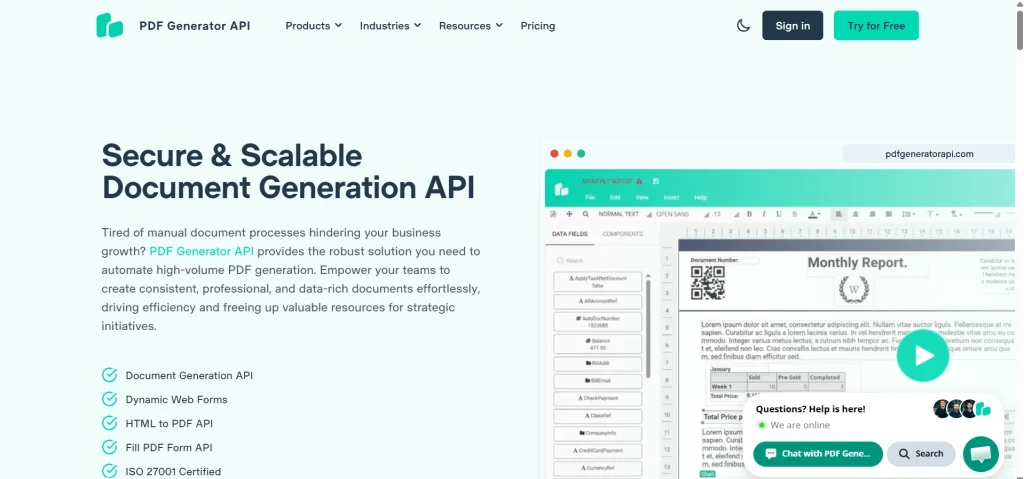
PDF Generator API is a template-first tool built with SaaS products in mind. Its standout feature is the embeddable template editor, which lets your own end users design and manage their templates directly inside your app, without even touching your code. That makes it a strong fit if you are running a multi-tenant product where each customer needs their own documents. It has been around for a while, so the feature set is broad, and the compliance story is solid, though the pricing and per-page credits take a little getting used to.
Key Features
- WYSIWYG drag-and-drop template editor. Build templates visually by dragging elements onto the page, so non-technical users can design documents without writing code.
- HTML to PDF conversion. Turn your existing HTML into clean, print-ready PDFs when you would rather bring your own markup than use the builder.
- Dynamic web forms for collecting data. Generate forms that feed data straight into your templates, useful for surveys, applications, and intake flows.
- Barcode and QR code generation. Add scannable barcodes and QR codes to invoices, tickets, or labels without a separate tool.
- Conditional logic and an expression language. Show, hide, or format content based on your data, so one template can handle many document variations.
- PDF form filling. Take an existing fillable PDF and populate its fields programmatically, handy for government or legal forms.
- Embeddable template editor (Basic plan and above). Drop the editor right into your own app so your customers can manage their templates themselves.
- Multi-workspace support with user permissions. Separate projects and control who can access what, which keeps larger teams and clients organized.
- ISO 27001 certified, HIPAA and GDPR compliant. Covers the main compliance boxes for teams handling regulated or sensitive data.
- On-premise and enterprise deployment. Run it inside your own infrastructure if your security team requires it.
Integrations
Make, Zapier, n8n, Airtable, Bubble, Xano, Adalo, Wix Velo, Backendless, and Quickwork. SDKs are available for PHP, JavaScript, Java, Ruby, and Python.
Pricing
- 14-day free trial
Individual plans:
- Creator: 8 euro/month
- Low Usage: 26 euro/month
Team plans:
- Starter: 52 euro/month
- Basic: 88 euro/month
- Professional: 177 euro/month
- Premium: 355 euro/month
- Enterprise: 621 euro/month
Pricing is credit-based and works on a per-page model, so it is worth doing the math if your documents run long. Credits are counted in blocks of 5 pages: 1 to 5 pages cost 1 credit, 6 to 10 pages cost 2 credits, 11 to 15 pages cost 3 credits, and so on. So a 10-page PDF uses 2 credits. On the Creator plan (50 credits/month), that works out to about 25 ten-page documents before you need more credits.
Pros
- Great for multi-tenant SaaS where users manage their own templates
- An embeddable editor saves you from building one yourself
- Strong compliance story
Cons
- The editor can slow down on complex templates
- Per-page credits get used up faster than you expect
- Large documents can take noticeably longer to generate
Best For
Teams are building a multi-tenant SaaS product where customers need to create and manage their own templates without help from your engineering team.
Know more – How CraftmyPDF is a Better Alternative to PDFGenerator API
PDFMonkey
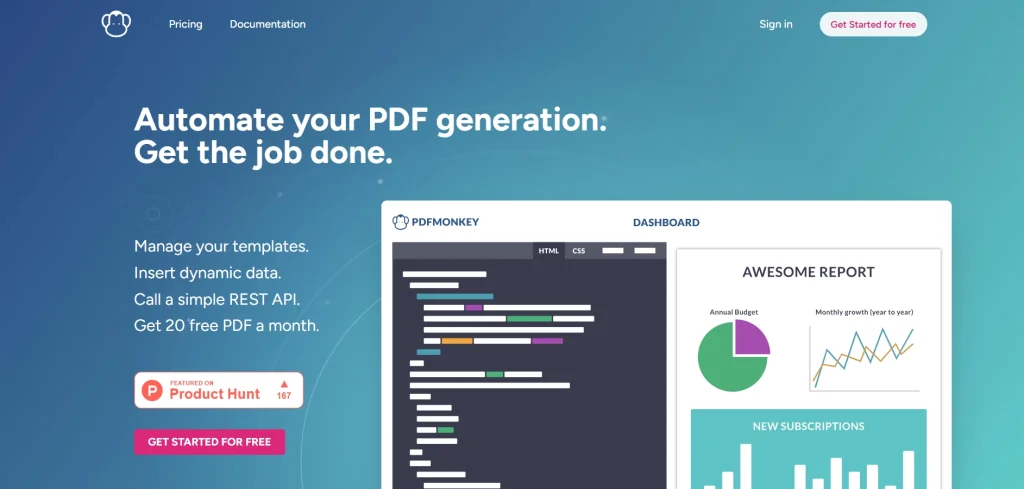
PDFMonkey is the developer’s pick. Instead of leaning on a drag-and-drop builder, it is built around HTML, CSS, and Liquid templates, with a Chrome-based rendering engine. If it looks right in the browser, it looks right in the PDF. It keeps things intentionally simple and cheap to start, which is great if you write code and just want a reliable API. The trade-off is that non-technical teammates will struggle without a developer in the loop.
Key Features
- HTML/CSS and Liquid template editor with live preview. Write templates in code and see the result update instantly, so you catch layout issues as you go.
- Visual drag-and-drop builder alongside the code editor. A lighter visual option is there when you do not feel like hand-coding every block.
- Chrome-based rendering. PDFs render through the same engine as your browser, so what you see in Chrome is what lands in the file.
- External fonts, Tailwind CSS, and JS chart libraries like Chart.js. Pull in custom fonts, utility CSS, and live charts to build polished, data-rich documents.
- QR codes, fillable forms, and password protection. Cover the common document extras like scannable codes, form fields, and locking sensitive files.
- PDF share links and permalinks (Pro+ and above). Share generated documents through a hosted link instead of moving files around yourself.
- Webhooks for real-time notifications. Get pinged the moment a document is ready, which keeps async workflows moving without polling.
- Synchronous and asynchronous generation. Generate on demand for single docs, or fire off batches and collect them later at scale.
Integrations
Zapier, Make, n8n, Workato, Bubble, and Glide. A Ruby SDK is available.
Pricing
- Free: 20 documents/month
- Starter: 5 euro/month (300 docs)
- Pro: 15 euro/month (3,000 docs)
- Pro+: 60 euro/month (5,000 docs)
- Premium: 300 euro/month (60,000 docs)
- Boost Packs: 5 euro for 1,000 extra docs
- 30-day trial with 300 documents, no credit card required
Pros
- Clean, predictable code first workflow
- Low starting price
- Great for data heavy reports and dashboards
Cons
- Not the friendliest option if you are not comfortable with code
- SDK coverage is narrower than the other two
Best For
Developers and technical teams who want a lean HTML/CSS API and do not need a no-code builder.
Looking for something easier to use? See our CraftMyPDF vs PDFMonkey comparison.
CraftMyPDF
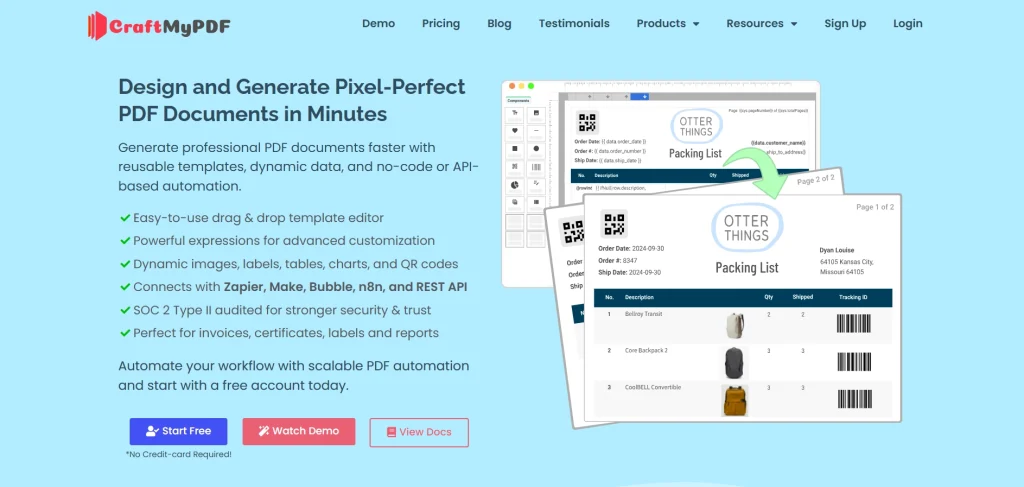
CraftMyPDF sits in a sweet spot between the other two. You get an advanced drag and drop editor that non-technical users can pick up quickly, but you also get the automation and scale that developers care about. It pairs that easy editor with both PDF and image generation from a single account, so non-technical users can produce invoices, reports, social graphics, and banners in one place without touching code. Add regional endpoints and SOC 2 Type II compliance, and it becomes an easy option for teams that want speed and control without an enterprise contract.
Key Features
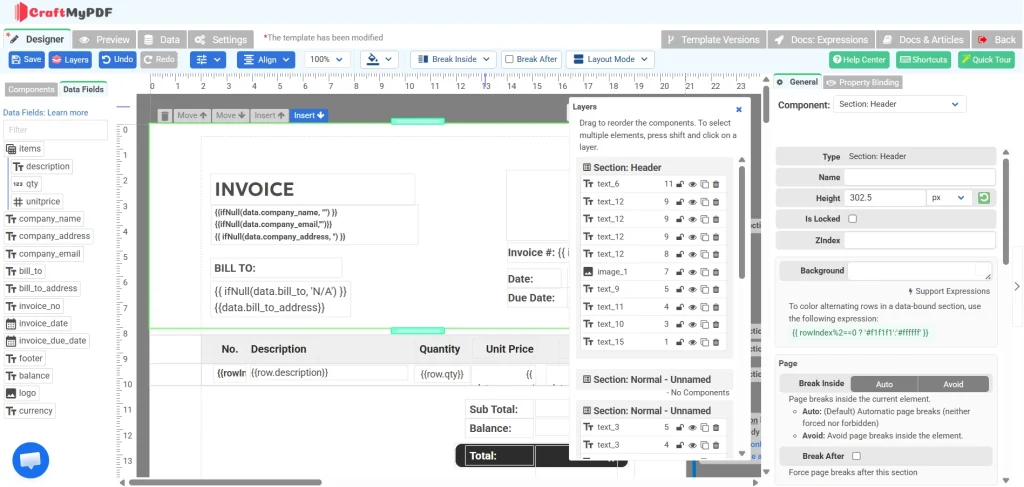
- Advanced drag and drop editor in any browser. Design pixel-perfect templates visually, with enough depth to handle complex layouts like multi-level invoices.
- Turn existing PDFs into fillable templates with AI. Upload a PDF and let AI map out fields, so you skip rebuilding documents from scratch.
- Powerful expressions and formatting support. Format dates, numbers, and currencies and drive dynamic content with expressions right inside the template.
- PDF and image generation from a single account. Create both documents and images (banners, social graphics) without paying for two separate tools.
- Regional API endpoints (US, EU, Singapore, Australia). Generate and store files closer to your users for lower latency and data residency compliance.
- No-code and low-code integrations. Connect to Zapier, Make, n8n, and Bubble to automate PDF creation without writing glue code.
- Rich template components (text, images, tables, charts, barcodes, QR codes, and interactive PDF form fields). Build reusable templates by binding these components directly to your JSON data.
- Bring Your Own Storage (BYOS). Send generated files straight to your own AWS S3, Cloudflare R2, or Azure bucket so they stay under your control.
- REST API with simple JSON payloads. Generate a document with a single API call by passing your template ID and data as JSON.
Integrations
Zapier, Make.com, n8n, and Bubble.io, plus a REST API for custom builds. You can automate the whole flow in three steps: create a template, connect your data, and generate the PDF.
Pricing
- Free: 0 dollars/month, 50 PDFs or images, 3 templates
- Lite: 29 dollars/month, 1,200 PDFs or images, 6 templates
- Plus: 49 dollars/month, 3,000 PDFs or images, 15 templates
- Professional: 99 dollars/month, 12,000 PDFs or images, 50 templates
- Premium: 299 dollars/month, 40,000 PDFs or images, 1,000 templates
- Business: 499 dollars/month, 150,000 PDFs or images, 10,000 templates
Credits are simple, and this is where CraftMyPDF stands out: each PDF generation costs 1 credit no matter how many pages it has, and lighter operations like adding a watermark or merging cost about 0.5 credit each. So that same 10-page PDF is just 1 credit here, versus 2 credits on PDF Generator API’s per-page model. A 1-page receipt and a 50-page contract both cost the same single credit, which keeps pricing predictable for long documents. On the Lite plan (1,200 credits/month) that means up to 1,200 PDFs of any length, or up to 2,400 watermark/merge operations. Annual billing saves you up to 17 percent.
Security and Compliance
Security is not an afterthought here. CraftMyPDF is SOC 2 Type 2 audited, and with regional endpoints plus Bring Your Own Storage, you keep control over where your documents live. That combination matters if you handle sensitive customer data or have data residency requirements.
Pros
- The easiest editor of the three for non-technical users
- PDF and image generation in one place
- Regional endpoints and BYOS for compliance and speed
- SOC 2 Type 2 audited
- Generous free tier with no credit card required
Cons
- Not as code-pure as PDFMonkey for hardcore HTML/CSS workflows
- Fewer official SDKs than some competitors, although the REST API works from any language that can make HTTP requests.
Best For
Non-technical teams, startups, and businesses that want pixel-perfect documents from reusable templates without writing much code, and that also want image generation in the same tool.
So, Which One Should You Pick?
You have the full picture now, so here is the short version.
Pick PDF Generator API if you are building a multi-tenant SaaS and want your customers to design and manage their own templates inside your product.
Pick PDFMonkey if you are a developer who wants a clean, no-frills HTML/CSS API and nothing more.
Pick CraftMyPDF if you want the easiest editor for your whole team, both PDFs and images from one account, regional performance, and SOC 2 Type 2 compliance without paying enterprise prices.
Honestly, the best way to decide is to try them. CraftMyPDF gives you 50 PDFs or images per month for free, no credit card needed. That is enough to build a real template, run it through your workflow, and see if it fits before you commit.
Sign up for CraftMyPDF free and create your first PDF in minutes.
Additional Resources
Want to go deeper into PDF generation and automation? These are worth a read:
- 6 Best PDF Generation APIs
- The Best PDF Generation APIs for HTML to PDF
- CraftMyPDF PDF Generation API
- CraftMyPDF Live Demo: PDF Template Editor
- CraftMyPDF Documentation
- PDFcrowd vs PDFShift vs APITemplate: A Complete HTML to PDF API Comparison
- PDFMonkey vs PDFGeneratorAPI vs APITemplate: Which PDF Generation API Is For You
Start generating PDFs today
Design templates in the browser and generate pixel-perfect PDFs via a simple REST API. 50 free PDFs every month, no credit card required.
Keep reading
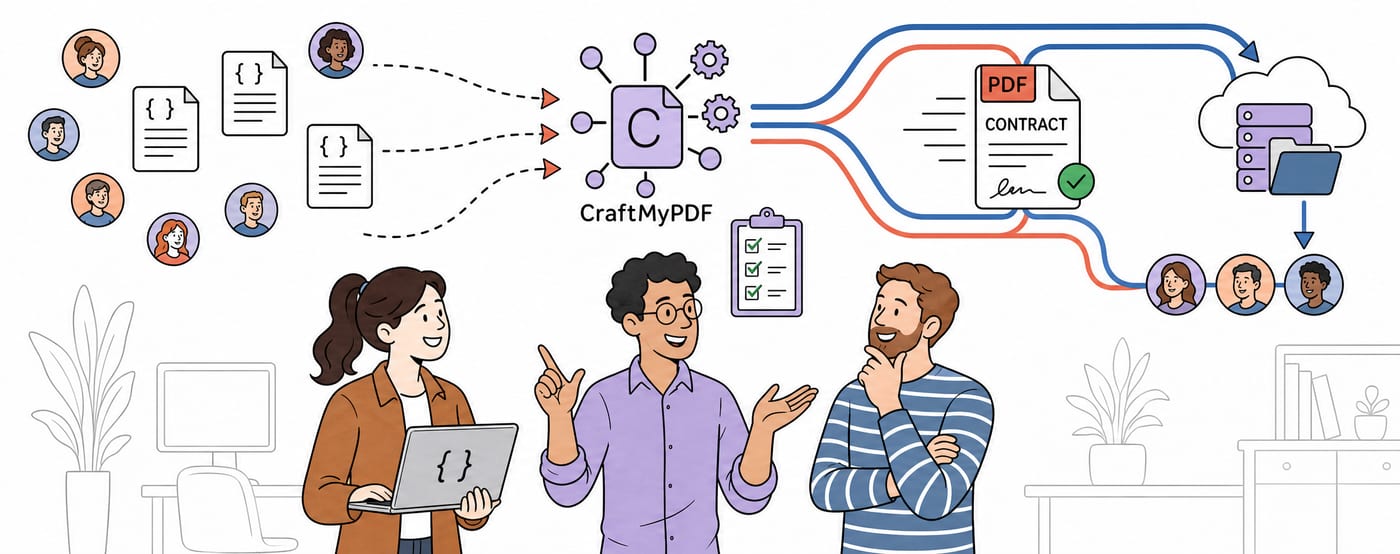
CraftMyPDF vs DocuSign vs PandaDoc: Which eSignature API Should Developers Choose in 2026?
DocuSign, PandaDoc or CraftMyPDF? Compare eSignature API pricing, webhooks, embedded signing, eIDAS levels and the steps from data to a signed PDF.
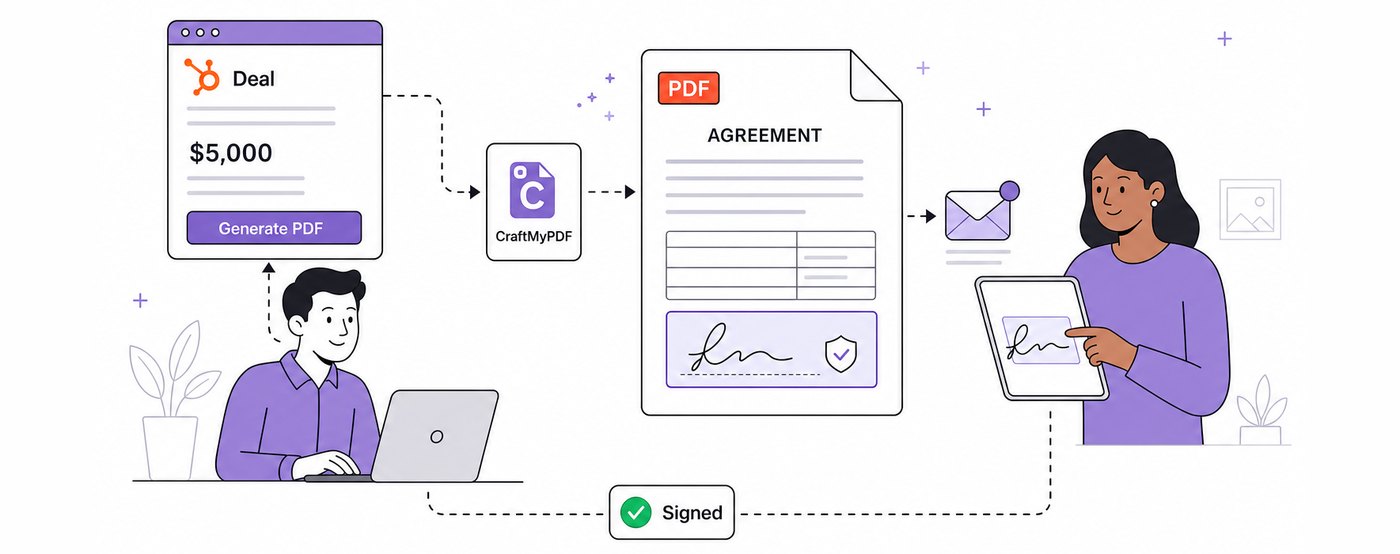
How To Add eSignatures To HubSpot Deals (Without Leaving Your CRM)
Send HubSpot deal documents for eSignature straight from the Deal record: install the CraftMyPDF app, build a signature-ready template, and track signed PDFs.
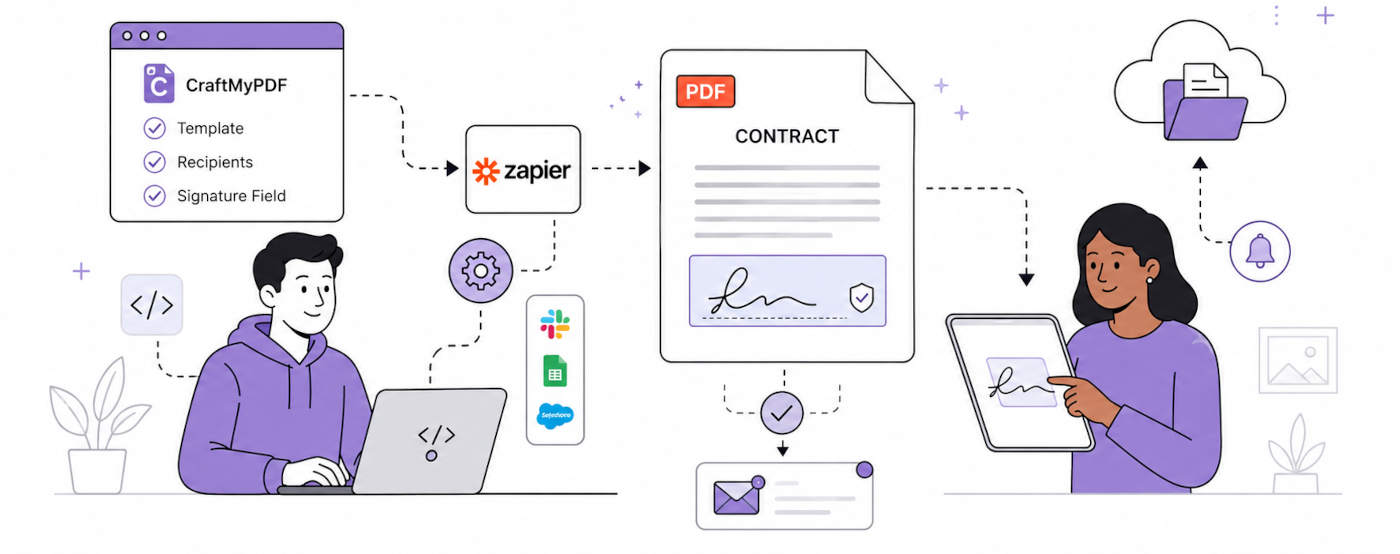
How To Automate eSignatures Using Zapier (with CraftMyPDF)
A step-by-step guide to sending contracts for eSignature automatically: build the template once, trigger it from Zapier, track signing status in CraftMyPDF.