CraftMyPDF vs DocuSign vs PandaDoc: Which eSignature API Should Developers Choose in 2026?
DocuSign, PandaDoc or CraftMyPDF? Compare eSignature API pricing, webhooks, embedded signing, eIDAS levels and the steps from data to a signed PDF.
TL;DR
The right eSignature API depends on where your documents come from.
- DocuSign is a long-established enterprise eSignature platform, with API plans priced by monthly envelope volume. Per-envelope webhooks work on every plan, but heavy compliance (QES, HIPAA BAA, FedRAMP) sits on its sales-led Enhanced plans.
- PandaDoc is built for sales documents and priced per document. Full pricing tables and product catalog start on Business, not on the $40 API plan.
- CraftMyPDF builds the PDF from your JSON data and sends it for signing in one API call, on the same credits you use for PDF generation. Of the three, it has the fewest steps and the lowest cost per signed document.

Many eSignature APIs are built around the signing step. Document generation is either bolted on, sold separately, or tied to a sales-document editor. But in real apps, contracts, offer letters and quotes get built from data first, and signed second.
So the question this comparison answers is simple: how many steps sit between “I have the data” and “I have a signed PDF”, and what does each step cost you?
Here is a quick comparison before we get into the details.
CraftMyPDF vs DocuSign vs PandaDoc: Quick Comparison Table
| Feature | DocuSign | PandaDoc | Recommended CraftMyPDF |
|---|---|---|---|
| Builds the document from data | Document Generation (purchased separately for production) | Templates with variables | Drag-and-drop templates + JSON |
| Official SDKs | C#, Java, Node.js, PHP, Python, Ruby | Python, Node.js, Java, PHP | None; REST API from any language |
| Signing-status webhooks | Per-envelope, on all plans | API Developer, Business, Enterprise | No (dashboard tracking) |
| Embedded signing | Yes via API; plan availability unclear | Yes | No (signing links in the dashboard) |
| eIDAS | SES (AES and QES on Enhanced) | SES, AES, QES (verification and QES are paid add-ons on Business+) | SES |
| Free option | Developer account (envelopes not legally valid) | New Free accounts: 5 sends/month across app, API and MCP, and 25 API-created docs/month | 5 signed docs/month, no card |
| Cheapest paid API plan | $50/month billed yearly ($75 monthly), 40 envelopes | $40/month, 40 documents | $29/month, 120 signed docs |
| Best for | Regulated enterprises | Sales teams | Developers generating documents from data |
Now let’s break each one down.
DocuSign
DocuSign is a long-established eSignature platform, and its REST API is mature and feature-rich. But it is a signing tool first. If you want to build documents from your own data, you need its Document Generation feature, which uses DOCX templates and “must be purchased for production account plans” through Docusign Support or your account manager. DocuSign’s developer API plans are the ones designed for sending envelopes through your own API calls.
Key Features
- Per-envelope webhooks on every plan. Attach an
eventNotificationto each envelope and get status updates pushed to your endpoint. Docusign’s developer blog says envelope webhooks “are available for all account types”, while account-wide Docusign Connect depends on your plan. - Go-Live before production. To move to production, you promote the integration from your developer account by picking an integration type and entering your production account details. Built-in validation checks eligibility: most integrations go live instantly, some are flagged for a manual review (typically completed within 24–48 hours), and accounts whose plan doesn’t support the integration type are blocked. You need a paid production account and OAuth 2.0.
- Bulk Send and PowerForms via the API on Advanced.
- Document Generation (paid separately). Generating and sending a document takes four calls: create a draft envelope, get the form fields, update the values, and set the status to
sent.
By default, an account gets 3,000 API calls per hour, and you can poll the status of the same envelope only once every 15 minutes, so in practice you’ll need webhooks.
Embedded signing works through the API: you set a clientUserId on the signer and call EnvelopeViews:createRecipient (createRecipientView in the SDKs) to get a signing URL you show inside your own app. Plan availability isn’t clear-cut. The developer pricing table lists “Embedded signing” under Enhanced only, while a Docusign employee said on Docusign’s community forum that it should work on the paid Starter plan. Docusign’s Go-Live guidance also notes that an “embedded integration” (a partner embedding Docusign inside its own product for its own customers) requires a special license through sales. If embedded signing is core to your product, confirm with Docusign before you buy. Each signing URL can be used only once and expires after 5 minutes, so your app has to request a fresh one every time a signer opens the document.
Integrations
DocuSign advertises 1,000+ integrations, plus its REST API and SDKs in C#, Java, Node.js, PHP, Python and Ruby for custom builds.
Pricing
- Starter: $50/month billed yearly, $75 month-to-month (40 envelopes/month)
- Intermediate: $300/month billed yearly, $450 month-to-month (100 envelopes/month)
- Advanced: $480/month billed yearly, $720 month-to-month (100 envelopes/month)
- Enhanced: custom pricing through sales, 5-user minimum
The self-serve plans on Docusign’s developer pricing page (US prices) list a “starting amount” of 40 or 100 envelopes a month, and “higher send volumes” are listed under Enhanced. Per envelope, the published plans work out to roughly $1.25 to $4.80 on yearly billing, or $1.88 to $7.20 month-to-month.
Security and Compliance
All developer plans collect Simple Electronic Signatures (SES). AES and QES, plus HIPAA BAA, FedRAMP and 21 CFR Part 11 sit with the Enhanced plans through sales.
Pros
- Long-established platform with a deep feature set
- 1,000+ integrations and SDKs in six languages
- Per-envelope webhooks on every plan
- FedRAMP, HIPAA BAA and 21 CFR Part 11 available through Enhanced
Cons
- Published self-serve plans start at 40–100 envelopes a month; higher volumes are on Enhanced
- AES, QES and advanced compliance sit on Enhanced
- OAuth setup and a Go-Live step before production
- Generating documents from data needs a separately purchased feature and several calls
Best For
Regulated enterprises with the budget for an Enhanced contract, or teams whose customers specifically ask for DocuSign.
Know more – How CraftMyPDF is a better alternative to DocuSign.
PandaDoc
PandaDoc is a document workflow tool for proposals, quotes and contracts, with an API on top. You build documents from templates with variables or from uploaded files (PDF or DOCX), then send them for signing. If your team already uses PandaDoc for sales documents, the API lets you automate that same workflow.
Key Features
- Webhooks on API Developer, Business and Enterprise. Not on Free or Starter, according to PandaDoc’s API feature access by plan. Payloads are signed with HMAC-SHA256.
- Embedded signing. It adds a step: create the document, wait for draft status, send it silently, then create a signing session.
- Async document creation. You create the document, wait for the
document.draftstatus, and only then send it. - OAuth 2.0 included on the API Developer plan. It’s a paid add-on on Business and Enterprise.
One thing to plan for: PandaDoc doesn’t retry failed webhook deliveries automatically. Your endpoint has to accept the connection within 5 seconds and respond within 20. If it misses, the only retry is a manual one from the Developer Dashboard, so put your own queue in front of the endpoint in production.
Integrations
SDKs for Python, Node.js, Java and PHP, plus the REST API. In the app, CRM integrations and Zapier start on the Business plan, according to PandaDoc’s plan comparison.
Pricing
- Free: $0. According to PandaDoc’s Free plan guide, new Free accounts (created after June 5, 2026) get 5 document sends a month (shared across the app, API and MCP) and can create 25 documents a month via the API, without OAuth apps or webhooks. Older annual Free accounts keep 60 sends a year. PandaDoc’s other pages don’t all quote the same Free limits yet, so check before you rely on them.
- API Developer: $40/month after a 14-day free trial, 40 documents a month that “scales with your volume.” PandaDoc’s blog puts each additional document sent at $4.
- Business: $49 per seat per month billed annually, or $65 month-to-month. This is where the full sales toolkit starts.
- Enterprise: custom pricing
At $4 per extra document, 100 documents a month on the API plan works out to $280. A Production API key needs approval from PandaDoc: through Support or your account manager if you already pay, through Sales if you don’t. PandaDoc bills API usage by documents created. The $40 plan also has gaps for sales workflows: pricing tables and the quote builder are limited, there are no automatic reminders or expirations, and the audit trail is limited. Full pricing tables, product catalog and approval workflows start on Business. Full CPQ (configure, price, quote) is a paid add-on on Enterprise.
Security and Compliance
PandaDoc’s eSignature compliance overview covers ESIGN, UETA, eIDAS (SES, AES and QES), GDPR and SOC 2 Type II. A few of these come with conditions:
- AES requires recipient identity verification, a paid add-on on annual Business and Enterprise plans.
- QES runs through qualified trust service providers on annual Business and Enterprise plans, at one $5 credit per signer. Credits are sold only in packs of 10 for $50.
- HIPAA requires executing a BAA through your PandaDoc account team.
- FDA 21 CFR Part 11 needs a dedicated workspace.
Pros
- Built for proposals, quotes and contracts
- Webhooks and OAuth included on the API plan
- Supports eIDAS SES, AES and QES (AES and QES on Business and up)
- Usage-based API plan with no seat count
Cons
- $4 per extra document sent on the API plan (per PandaDoc’s blog)
- Creating and sending takes multiple steps
- No automatic webhook retries
- The $40 plan lacks reminders, expirations and full quoting tools
Best For
Sales teams that send proposals and quotes, and are ready to move up to a Business plan for the full quoting toolkit.
CraftMyPDF
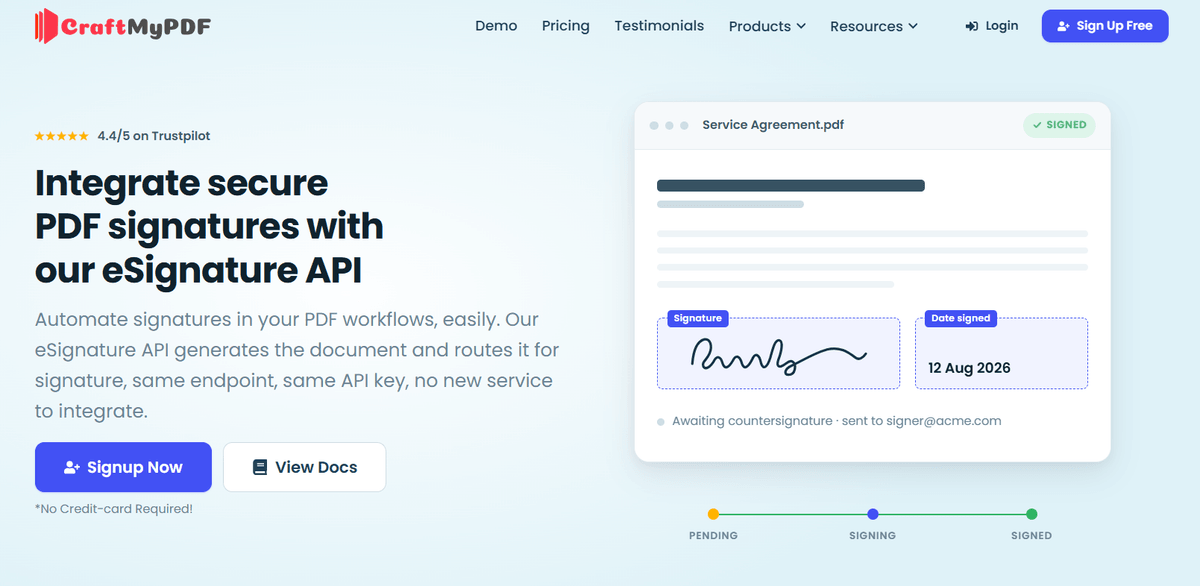
CraftMyPDF is built for the way developers actually create agreements: from data. It’s a PDF generation API with e-signing built in. You design a template in the drag-and-drop editor, enable E-Signature on it once, and from then on every PDF it generates goes out for signing automatically. Same endpoint, same API key, no second service to integrate, and no separate eSignature plan to buy. Signing runs on Documenso’s infrastructure.
Key Features
- One call from data to signing request. Send your template ID and JSON data to
POST /v1/create, and CraftMyPDF renders the PDF, creates the envelope and emails the recipients. - Signers from your data. Recipient names and emails can be expressions like
{{ data.signers[0].email }}, so every document goes to the right people. - Real approval chains. Five recipient roles (Signer, Approver, Viewer, CC, Assistant), parallel or sequential signing, and ten field types.
- Optional envelope expiration. Off by default. Once you enable it, the default is 30 days.
- Tracking in the dashboard. Follow each envelope from Queued to Completed on the Signed Documents page, copy individual signing links, and download the signed PDF.
- Drag-and-drop template editor. Design contracts, offer letters and quotes visually, and bind fields straight to your JSON data.
- Regional API endpoints (US, EU, Singapore, Australia). Generate PDFs closer to your users for lower latency.
Integrations
Zapier, Make, n8n, Bubble, HubSpot, Backendless, FlutterFlow and Coda, plus the REST API from any language. You trigger signing the same way you already generate PDFs.
Pricing
There’s no separate eSignature plan to buy. Each signed document uses 10 credits from your plan, so here’s what each plan covers for e-signature:
- Free: $0/month, 5 signed documents
- Lite: $29/month, 120 signed documents
- Plus: $49/month, 300 signed documents
- Professional: $99/month, 1,200 signed documents
- Premium: $299/month, 4,000 signed documents
- Business: $499/month, 15,000 signed documents
Annual billing saves up to 17%. See the pricing page for each plan’s full limits.
Security and Compliance
Signatures comply with the ESIGN Act, UETA and eIDAS (SES). CraftMyPDF has completed its own SOC 2 Type II audit, and the Documenso signing infrastructure is SOC 2 Type II audited too. HIPAA is listed as supported for signing workflows. If you need a BAA or AES/QES, confirm with CraftMyPDF before you build.
Pros
- The fewest steps from data to a signed PDF
- The lowest cost per signed document of the three
- Just an API key, with no OAuth setup or Go-Live step
- PDF generation and e-signature on one set of credits
- Free plan with no credit card
Cons
- No signing-status webhooks or embedded signing; tracking is done in the dashboard
- SES only
- Cancelling a sent envelope requires contacting support
- E-signature only works on PDF templates, not in Preview mode
Best For
Developers who generate contracts, offer letters, leases or quotes from their own data and want them signed without wiring up a second platform.
So, Which One Should You Pick?
Pick DocuSign if your customers expect DocuSign, or you need enterprise compliance like FedRAMP, HIPAA BAA and 21 CFR Part 11 (those need an Enhanced contract).
Pick PandaDoc if your team mostly sends proposals and quotes, and you’re ready to move up to a Business plan for full pricing tables and quoting.
Pick CraftMyPDF if you build documents from your own data and want them generated and signed in one API call, with no OAuth setup, no Go-Live step and the lowest cost per signed document of the three.
The best way to decide is to try it. CraftMyPDF’s free plan covers 5 signed documents a month with no credit card, enough to run a real template through your workflow before you commit.
Create a free CraftMyPDF account and send your first document for signing in minutes.
Additional Resources
- CraftMyPDF eSignature API
- The Best DocuSign Alternative for Developers
- 10 Best eSignature API Features for Developers
- How to Add E-Signatures to PDFs and Automate Signing with CraftMyPDF
- How To Automate eSignatures Using Zapier
- How To Add eSignatures To HubSpot Deals
- CraftMyPDF E-Signature Documentation
- CraftMyPDF API Reference
- CraftMyPDF Pricing
FAQ
What’s the cheapest eSignature API of these three?
CraftMyPDF. A signed document costs 10 credits, which is about 24 cents on Lite and as low as about 3 cents on Business.
Is DocuSign’s API free?
Building and testing in the developer account is free, but those envelopes aren’t legally valid. Production starts at $50/month billed yearly.
Which of these have signing webhooks?
DocuSign (per envelope, on all plans) and PandaDoc (API Developer, Business and Enterprise). CraftMyPDF tracks signing status in its dashboard.
Can I generate a document and send it for signing in one call?
Yes, with CraftMyPDF. DocuSign’s Document Generation takes four calls, and PandaDoc needs you to create the document, wait for draft status, and then send.
Which of these support advanced or qualified electronic signatures (AES or QES)?
DocuSign offers AES and QES on its Enhanced plans through sales. PandaDoc supports both on annual Business and Enterprise plans, with identity verification as a paid add-on for AES and QES charged at $5 per signer. CraftMyPDF covers eIDAS at the Simple Electronic Signature (SES) level only.
How do recipients sign with CraftMyPDF if there’s no embedded signing?
Each recipient gets an email with a unique signing link and signs by drawing, typing, or uploading a signature. If someone misses the email, you can copy their individual signing link from the Signed Documents page and send it yourself.
Start generating PDFs today
Design templates in the browser and generate pixel-perfect PDFs via a simple REST API. 50 free PDFs every month, no credit card required.
Keep reading
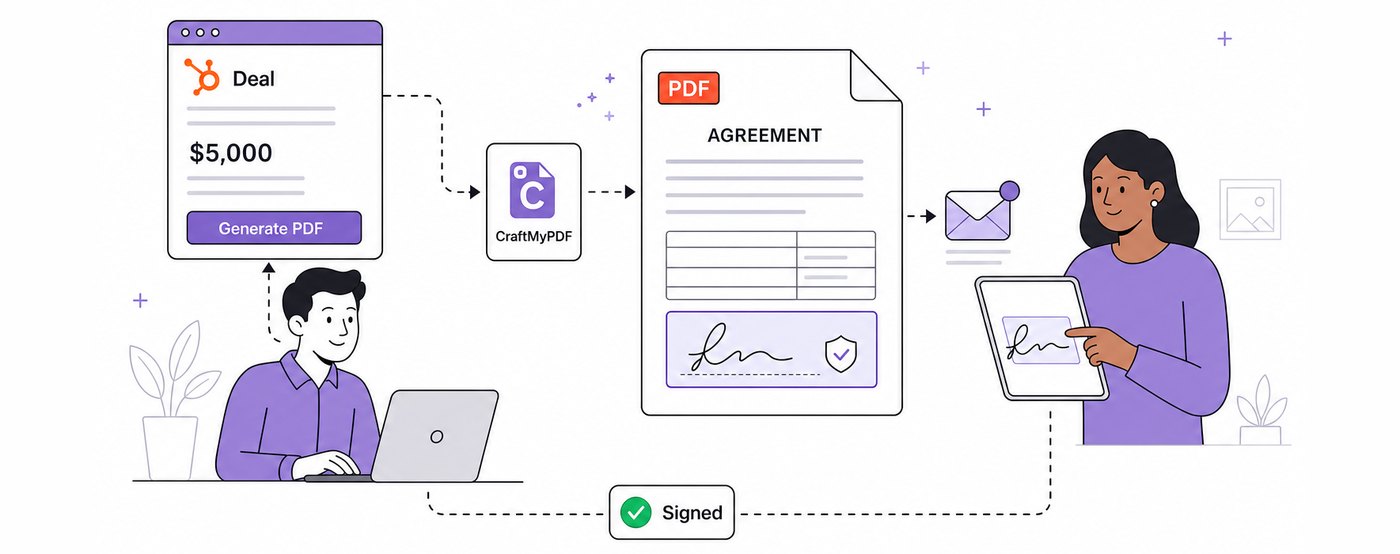
How To Add eSignatures To HubSpot Deals (Without Leaving Your CRM)
Send HubSpot deal documents for eSignature straight from the Deal record: install the CraftMyPDF app, build a signature-ready template, and track signed PDFs.
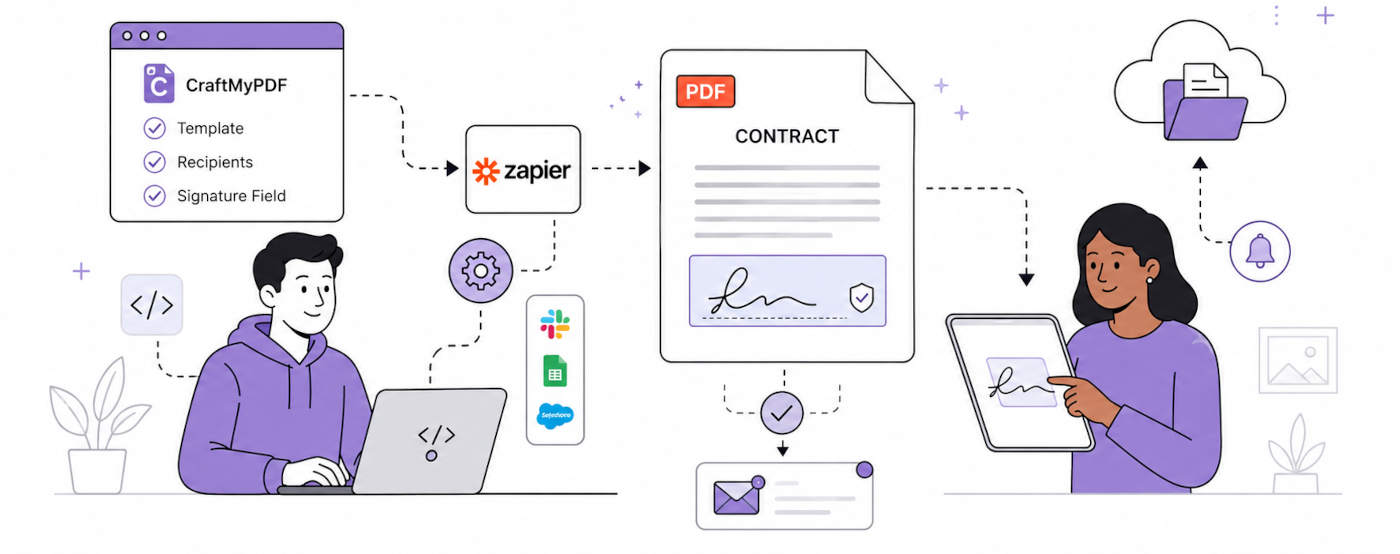
How To Automate eSignatures Using Zapier (with CraftMyPDF)
A step-by-step guide to sending contracts for eSignature automatically: build the template once, trigger it from Zapier, track signing status in CraftMyPDF.
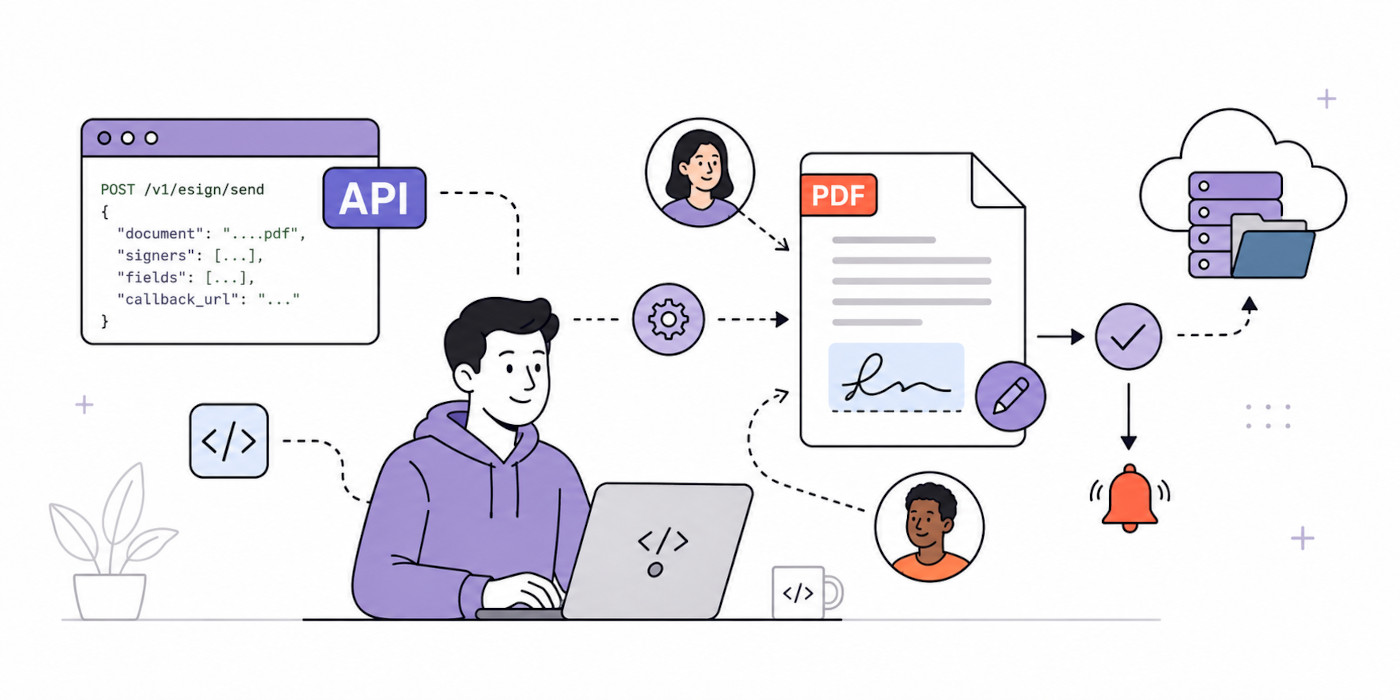
10 Best eSignature API Features for Developers in 2026
The 10 eSignature API features developers should compare, from single-call generation to recipient roles, signing order, field validation, and legal standards.