10 Best eSignature API Features for Developers in 2026
 By CraftMyPDF
The 10 eSignature API features developers should compare, from single-call generation to recipient roles, signing order, field validation, and legal standards.
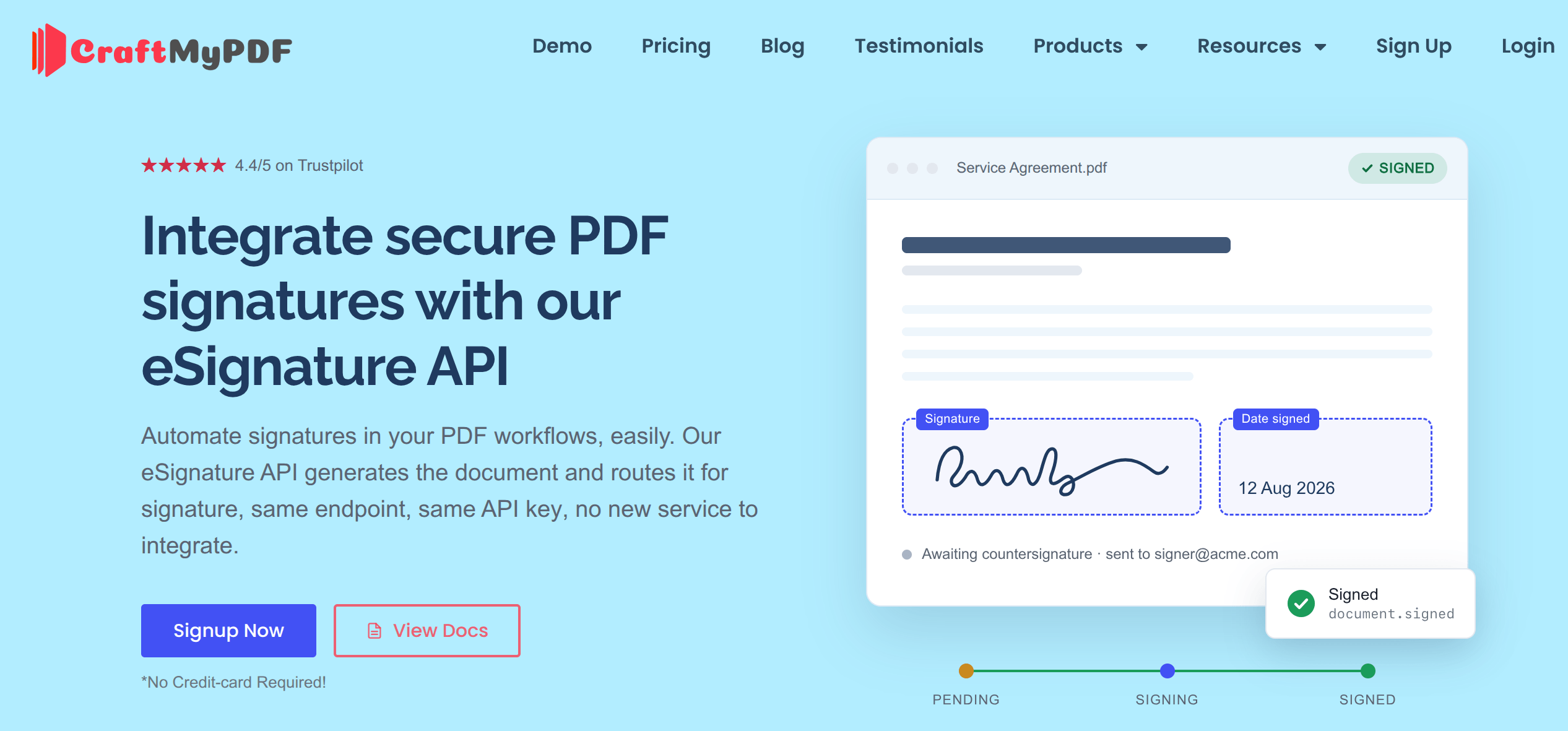
TL;DR: The best eSignature APIs do more than capture a signature. They fold document generation, recipient routing, compliance, and status tracking into a single workflow, so you ship signable documents without gluing two or three services together. This article breaks down the ten features worth evaluating in any eSignature API, and uses CraftMyPDF’s eSign API, which generates the PDF and routes it for signature in one call, as the reference implementation.
Most “add e-signature” tutorials start from the same assumption: you already have a finished PDF sitting somewhere, ready to upload. Real products rarely work that way. The document is generated from data first, an invoice, a contract, an offer letter, and only then does it need signatures. If your signing tool lives in a separate pile, you end up building an export step, an upload step, and a reconciliation step just to connect the two.
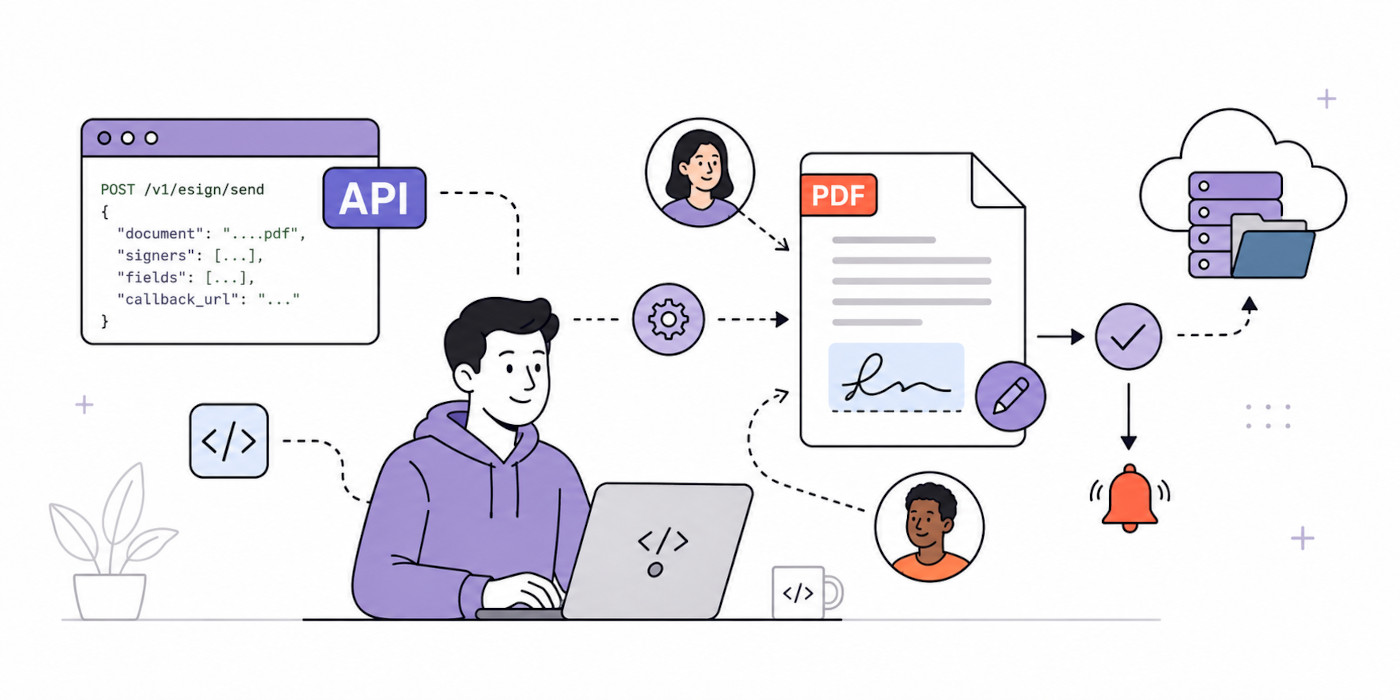
So instead of asking “which tool captures a signature,” the better question for a developer is “which API removes the most integration surface while still holding up legally.” The ten features below are a checklist you can hold any eSignature API against, with a note on why each one matters once you are in production.
Quick Feature Checklist
| Feature | Why it matters to developers |
|---|---|
| 1. Generate and sign in a single API call | Removes an entire export/upload/reconcile integration between generation and signing. |
| 2. Dynamic recipients bound to your data | One template serves unlimited real signers; your payload supplies who signs. |
| 3. Draw, type, or upload a signature | Matches how people actually sign on desktop and mobile, with no custom UI to build. |
| 4. Five recipient roles | Models real approval chains, not just a single “sign here.” |
| 5. Parallel or sequential signing order | Enforces strict routing when you need it, fastest completion when you do not. |
| 6. Ten field types with validation | Collect structured, validated data at signing time, not just a signature box. |
| 7. Custom envelope subject and message | Branded, context-aware signing emails instead of generic ones. |
| 8. Optional envelope expiration | Enforce deadlines only where you want them. |
| 9. Retry Send and per-recipient signing links | Recover from delivery failures and hand a signer their exact link. |
| 10. Legally recognized standards and security | Signatures hold up in your market and pass enterprise security review. |
Feature 1: Generate and Sign in a Single API Call
The single biggest time-saver is an endpoint that renders the PDF from your data and queues the signing envelope at the same time. Instead of generate, then export, then upload to a separate signing tool, then poll that tool for status, you make one call and the signable document is on its way.
With CraftMyPDF, you enable E-Signature on a template once. After that, every PDF that template generates automatically creates a signing envelope and emails the recipients. The call is the same one you already use to generate a PDF:
curl -X POST "<https://api.craftmypdf.com/v1/create>" \
  -H "X-API-KEY: YOUR_API_KEY" \
  -H "Content-Type: application/json" \
  -d '{
        "template_id": "05f77b2b18ad809a",
        "data": { "invoice_number": "INV38379", "total_amount": 82542.56 }
      }'
Why developers care: this removes an entire integration and file-handoff step. Fewer moving parts means fewer failure points, and you do not have to keep a second service in sync with your generation pipeline.
Feature 2: Dynamic Recipients Bound to Your Data
Recipients are defined once in the template designer’s E-Signature tab, where each recipient gets a fixed Recipient ID such as recipient_1. What makes it dynamic is that the recipient name and email fields accept expressions resolved from the JSON you send at generation time, for example {{ data.signers[0].email }} or {{ data.approverName }}.
This is the actual generate-and-route mechanism. Your payload supplies who signs, not how the flow is wired, so one template can serve unlimited real recipients from data. Roles, fields, and signing order are template configuration; the API call just feeds in the people. Static values work too when the recipients are fixed.
Why developers care: you maintain one template, not one template per customer. The people change per request, the structure does not.
Feature 3: Multiple Signature Capture Methods (Draw, Type, Upload)
Recipients can draw their signature with a mouse or touchscreen, type their name and pick a font style, or upload an image of their signature. That covers how people actually sign across desktop and mobile, without you bolting on a separate signing tool.
Why developers care: there is no custom signature-pad UI to build, test, and maintain across browsers and devices. The signing experience is handled for you.
Feature 4: Five Recipient Roles
Real documents have approval chains, not a single “sign here” box. CraftMyPDF supports five recipient roles, each with defined rules:
- Signer: must complete the signature fields assigned to them before the document can finalize.
- Approver: must approve or reject; signing is optional.
- Viewer: must acknowledge that they viewed the document and cannot be assigned fields.
- CC: receives a copy of the completed document and takes no action.
- Assistant: can pre-fill fields on behalf of later signers.
A couple of rules matter when you build: each signer needs at least one Signature field, and no fields can be assigned to Viewers. Roles are set in the designer and then bound to real people through the dynamic recipients from Feature 2.
Why developers care: roles let you model who acts, who reviews, and who just needs a copy, which is exactly how contracts and internal approvals work.
Feature 5: Parallel or Sequential Signing Order
You can send the document to everyone at once (parallel), or route it through numbered steps (sequential). Recipients that share the same order number can act simultaneously, and the document only advances to the next order number once everyone at the current level is done.
There is one tie worth remembering: the Assistant role requires sequential signing and cannot be used in parallel mode, because an assistant has to pre-fill fields before the signers who depend on them.
Why developers care: contracts and approvals often require a strict order, while independent parties are fastest in parallel. Having both, configured per template, means you do not rebuild routing logic yourself.
Feature 6: Ten Field Types (with Validation on Data Fields)
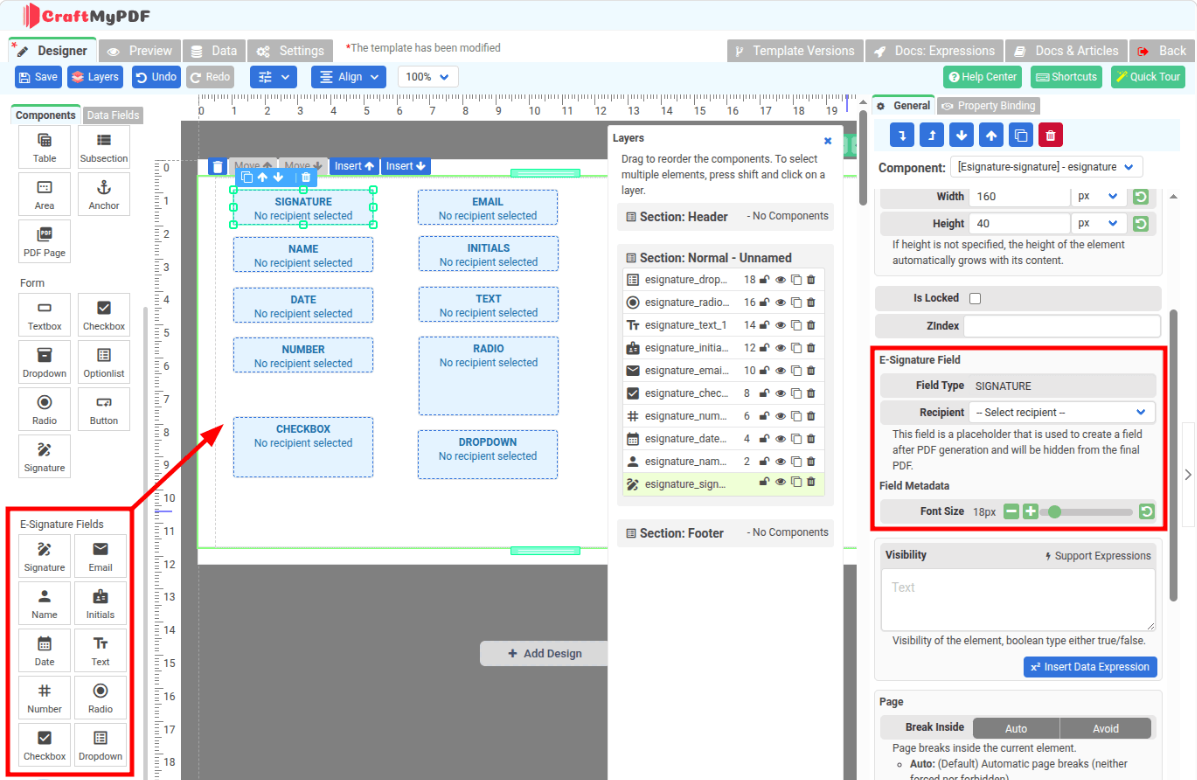
Signing is more than a signature. CraftMyPDF offers ten field types: Signature, Initials, Email, Name, Date, Text, Number, Radio, Checkbox, and Dropdown.
The nuance to know is where validation applies. Only Text, Number, Radio, Checkbox, and Dropdown carry validation rules such as required or read-only, minimum and maximum values, option counts, and formats. Signature, Initials, Email, Name, and Date expose font size and alignment, and Email, Name, and Date can auto-populate.
Why developers care: you can collect structured, validated data at signing time, which turns the signing page into a real form rather than a bare signature box.
Feature 7: Custom Envelope Subject and Message
You can send an optional custom email subject and message to the signing provider as envelope metadata, using variables like {signer.name}, {signer.email}, and {document.name}. That gives you branded, context-aware signing emails instead of generic ones, which improves recognition and trust.
If you leave them blank, the provider generates role-based defaults, for example “CraftMyPDF invited you to sign a document.”
Why developers care: the first thing a signer sees is the email. Controlling its wording without building an email system is a small feature with an outsized effect on completion.
Feature 8: Optional Envelope Expiration
Envelope expiration is disabled by default, so signing links stay valid until the document is completed, rejected, or cancelled. When you enable it, the default deadline is 30 days and the unit is configurable in days, weeks, months, or years.
Why developers care: you can enforce deadlines where they matter, such as time-sensitive offers, without forcing an artificial expiry on every document. It also gives you a predictable link lifecycle you can opt into per template.
Feature 9: Retry Send and Per-Recipient Signing Links
From the Signed Documents dashboard, the available actions depend on document status:
- Retry Send: resend a document that was created but failed to distribute to recipients.
- Signing Links: view and copy the individual signing URL for each recipient.
- Download: download the signed PDF, available for both sent and completed documents.
Why developers care: this is the closest thing to a debugging story. You can recover from a delivery failure and hand a specific signer their exact link, without re-sending the entire envelope. It is practical operability, which matters because tracking and retrieval happen on the dashboard rather than through public envelope or status API endpoints.
Feature 10: Legally Recognized Standards and Security
Signatures need to hold up legally in your market, and security review is often the gate for enterprise adoption. CraftMyPDF’s signatures support the ESIGN Act (US federal), UETA (US state), and eIDAS (SES) (EU Simple Electronic Signature). Signing runs on Documenso, which provides SOC 2 Type II and HIPAA-supported workflows.
A few accuracy notes so you scope correctly:
- eIDAS (SES) is the Simple Electronic Signature tier. If your use case requires an Advanced or Qualified signature (AES or QES), confirm that separately.
- HIPAA is supported for security-conscious signing workflows; treat it as supported rather than a blanket certification.
- The signing infrastructure is hosted in Europe, while CraftMyPDF’s PDF generation runs on regional endpoints. Do not assume the entire platform is EU-hosted.
Why developers care: you get standards coverage for common US and EU business signatures without stitching together a compliance stack yourself.
How These Features Come Together
In practice these features map to a simple four-step flow: Design, Generate, Sign, Track.
- Design: enable E-Signature on a PDF template, set the signing order and any expiration, and place fields for each recipient.
- Generate: call the API (or use the Merge API or the dashboard). CraftMyPDF renders the PDF and queues the signing envelope.
- Sign: recipients receive an emailed signing link and draw, type, or upload their signature in the order you defined.
- Track: follow the envelope through its states on the Signed Documents page. Download is available once the document is sent, not only after completion.
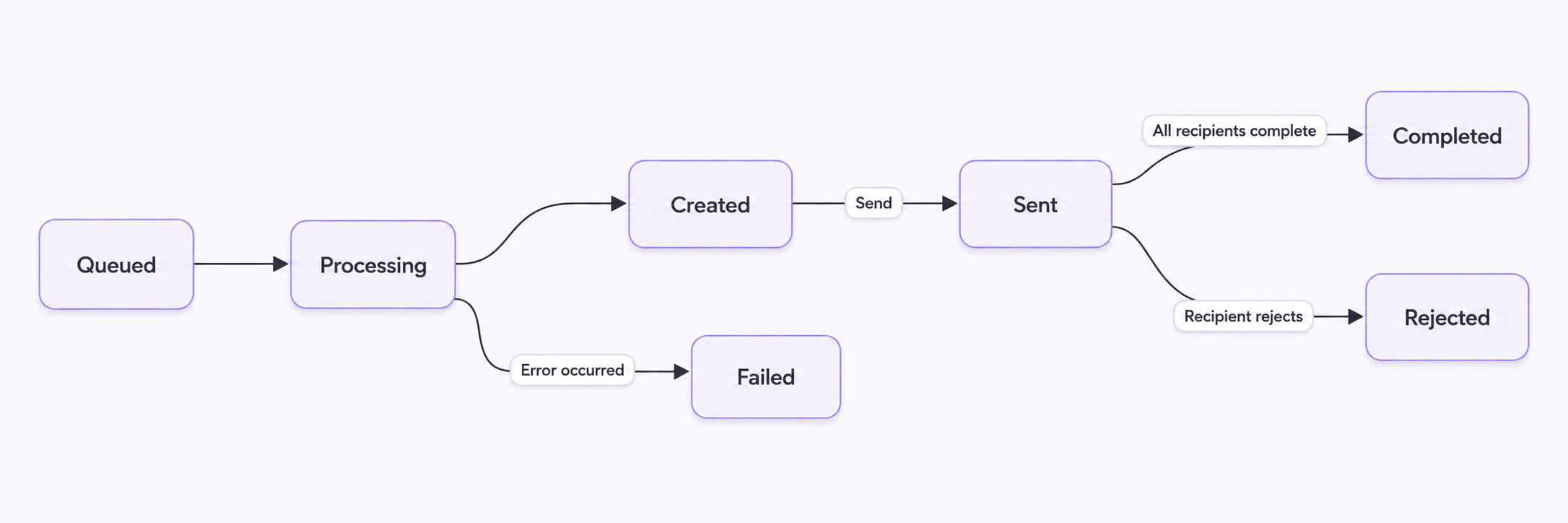
Documents move through a clear set of lifecycle states: Queued, Processing, Created, Sent, and Completed, plus Rejected, Failed, and Cancelled. A Cancelled document is permanently deleted from Documenso, so it is not a state you toggle casually.
Best Use Cases for an eSignature API
- Contracts: generate from deal data and route for signature in one call.
- Lease agreements: landlord and tenant fields bound to your records.
- HR offer letters and onboarding: offer plus acknowledgment forms in sequence.
- Sales agreements and quotes: quote generated, then signed, without leaving your CRM flow.
- Legal documents (NDAs): standard terms with validated data fields.
- Approval forms: purchase orders and expense sign-offs using the Approver role.
Every one of these follows the same pattern: one template, dynamic data, one API call. Explore more document generation use cases to see where else it fits.
Pricing Consideration
A feature worth evaluating in its own right is clear, bundled pricing with no separate signing contract. With CraftMyPDF, eSignature runs on your existing credits at 10 credits per signed document, with no extra subscription. For reference, PDF generation itself costs 1 credit per PDF regardless of page count.
Plans (monthly price and included credits): Free at $0 for 50 credits, Lite at $29 for 1,200, Plus at $49 for 3,000, Professional at $99 for 12,000, Premium at $299 for 40,000, and Business at $499 for 150,000. Annual billing saves up to 17 percent. See the pricing page for the current details.
Because a signed document costs 10 credits, the free plan (50 credits) covers 5 signed documents per month at no cost, and the effective per-document cost on paid plans comes down to a few cents. It also works within CraftMyPDF’s white-label editor, so agencies and platforms can build signable documents into their own offering.
Conclusion
The best eSignature API for developers is the one that minimizes integration surface: generation, signing, compliance, and tracking in a single flow, rather than a signature tool bolted onto a separate PDF pipeline. Judge any option against the ten features above, and favor the one that lets you generate from data and route for signature in the same call.
Ready to try it? Explore the CraftmyPDF’s eSign API to see more of it.
Additional Resources
Start generating PDFs today
Design templates in the browser and generate pixel-perfect PDFs via a simple REST API. 50 free PDFs every month, no credit card required.
Keep reading
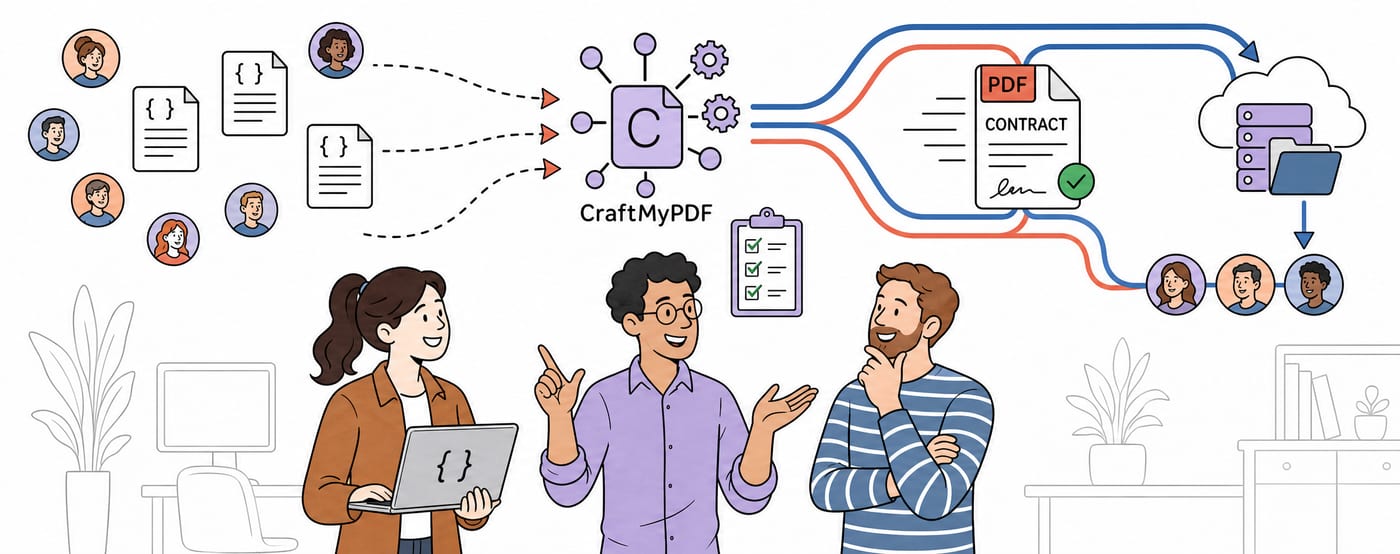
CraftMyPDF vs DocuSign vs PandaDoc: Which eSignature API Should Developers Choose in 2026?
DocuSign, PandaDoc or CraftMyPDF? Compare eSignature API pricing, webhooks, embedded signing, eIDAS levels and the steps from data to a signed PDF.
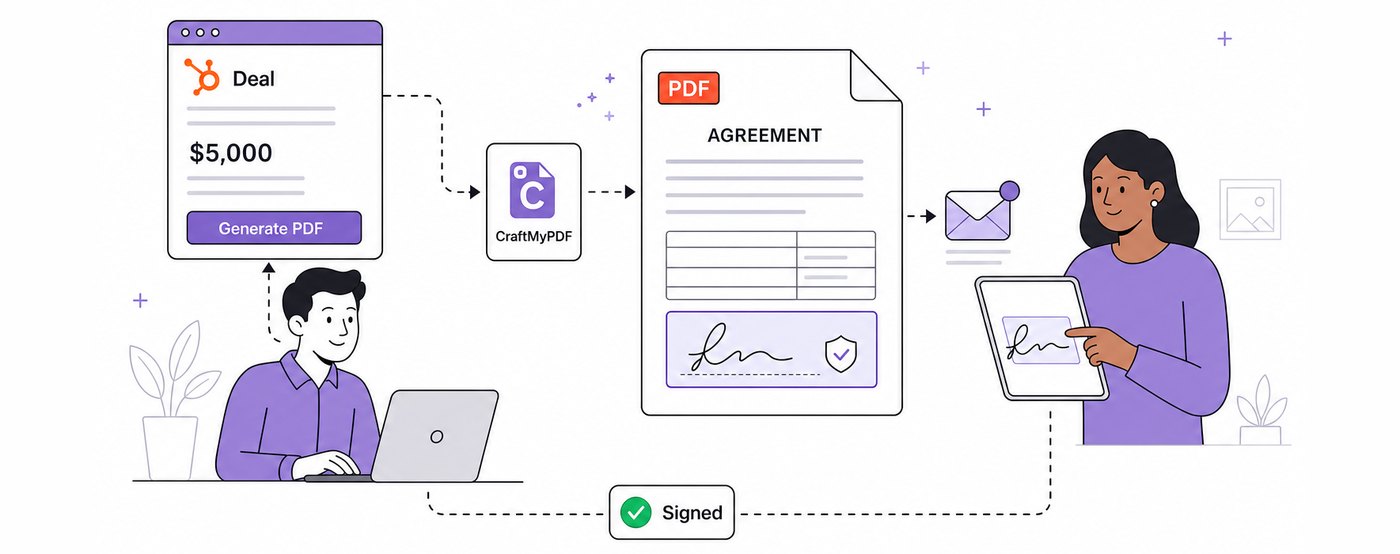
How To Add eSignatures To HubSpot Deals (Without Leaving Your CRM)
Send HubSpot deal documents for eSignature straight from the Deal record: install the CraftMyPDF app, build a signature-ready template, and track signed PDFs.
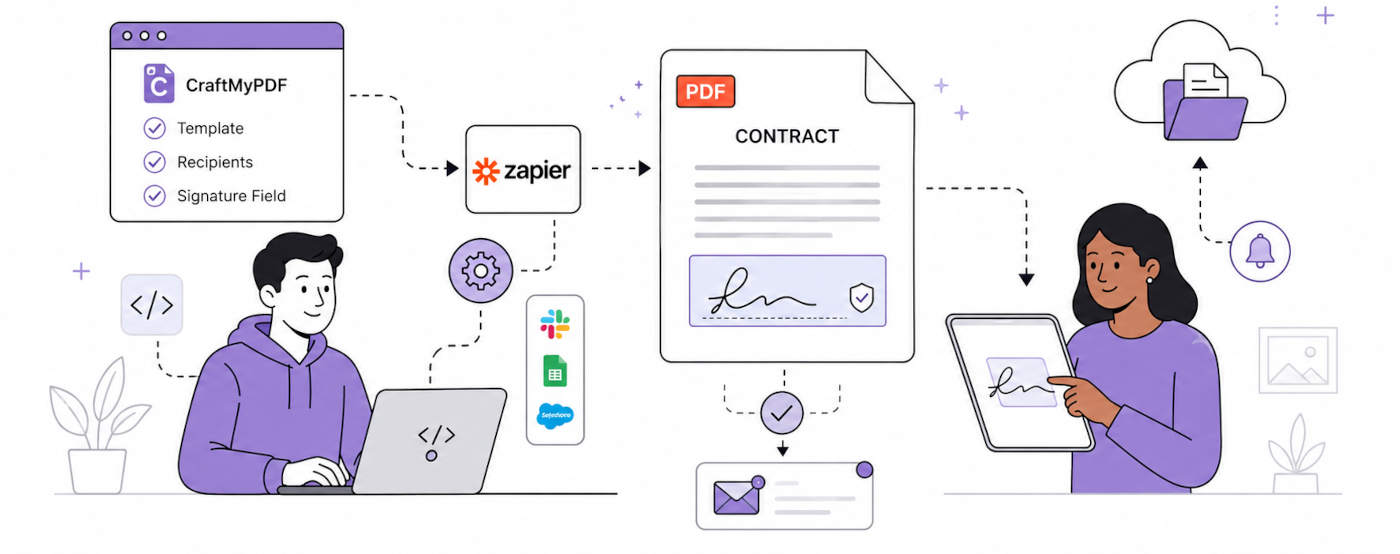
How To Automate eSignatures Using Zapier (with CraftMyPDF)
A step-by-step guide to sending contracts for eSignature automatically: build the template once, trigger it from Zapier, track signing status in CraftMyPDF.