DocRaptor vs PDF Noodle vs CraftMyPDF: Which One Should Be Your Go-To Choice?
 By Jacky Tan
DocRaptor, PDF Noodle or CraftMyPDF? A side-by-side look at rendering, AI templates, pricing and best use cases so you can pick the right PDF API fast.
TL;DR: The right PDF tool depends on how much of the work you want to own.
- DocRaptor is a pure HTML-to-PDF converter built for teams that want top-tier print fidelity and are happy to manage their own templates and data.
- PDF Noodle is an AI-first platform with unlimited generation on its mid-tier plan, made for teams pumping out PDFs at scale who want templates written for them from a prompt.
- CraftMyPDF sits in the middle, pairing an easy drag and drop editor with both PDF and image generation, regional endpoints, and SOC 2 Type 2 compliance.
This comparison breaks down their features, pricing, and best use cases so you can find the right fit. DocRaptor, PDF Noodle, and CraftMyPDF all turn data into documents, but they are built for very different workflows, from pure conversion to full automation.
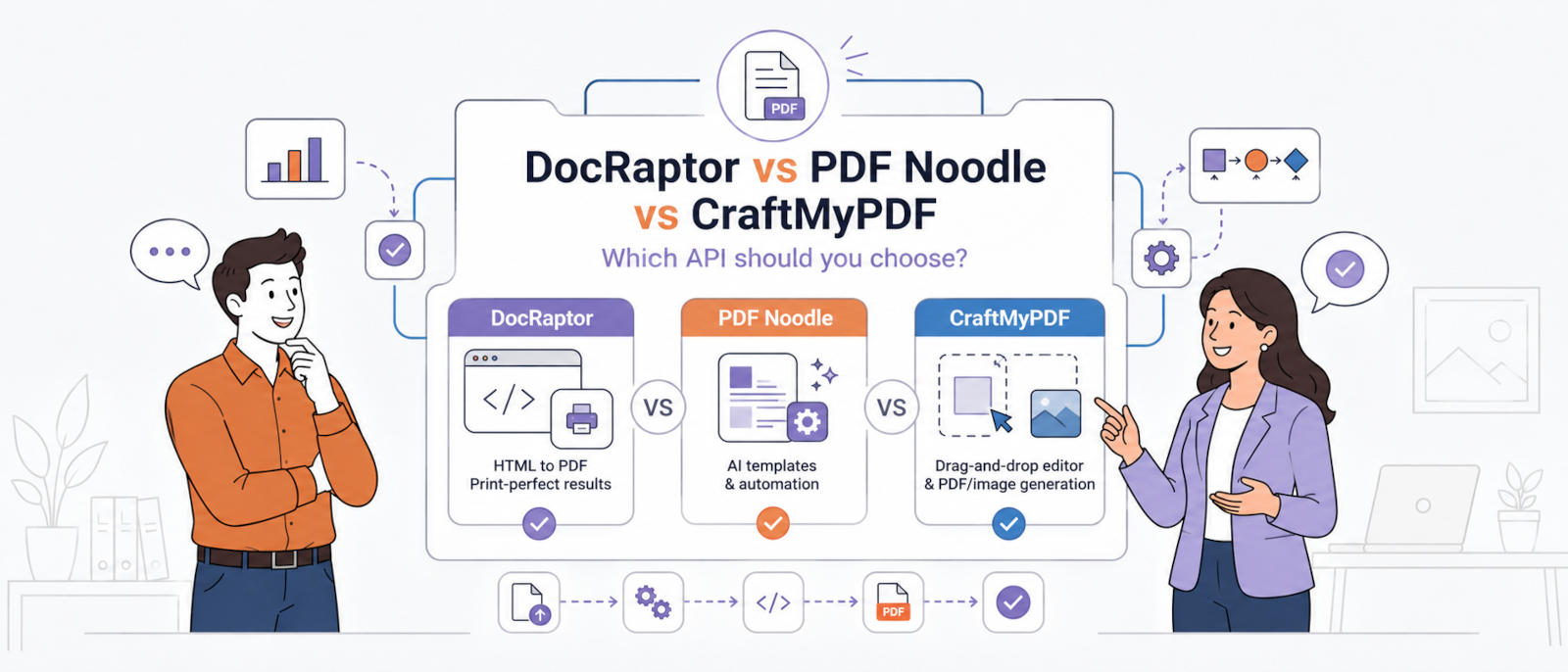
We will judge each one on rendering quality, pricing model, AI and template features, integrations, compliance, and how well it scales.
Before we get into the details, here is quick comparison.
DocRaptor vs PDF Noodle vs CraftMyPDF: Quick Comparison Table
| Feature | DocRaptor | PDF Noodle | Recommended CraftMyPDF |
|---|---|---|---|
| Rendering engine | Prince XML | Chromium | Modern browser engine |
| Template editor | None (bring your own HTML) | AI + drag and drop | Drag and drop (WYSIWYG) |
| AI template creation | No | Yes | AI-assisted fillable PDF conversion |
| PDF generation | Yes | Yes | Yes |
| Image generation | No | No | Yes |
| Unlimited generation | No | Yes (Business, Scale) | No |
| Async + webhooks | Yes | Yes | Yes |
| Regional endpoints | No | No | Yes (US, EU, SG, AU) |
| No-code integrations | Zapier | Zapier, Make, n8n, Bubble | Zapier, Make, n8n, Airtable, HubSpot, Coda.io and Bubble.io |
| Bring Your Own Storage (BYOS) | S3 upload | S3 upload | Yes (AWS S3, Cloudflare R2) |
| Template versioning | No | Yes | Yes |
| 2FA authentication | No | No | Yes |
| Embedded template editing | No | Yes | Yes |
| Compliance | SOC 2 Type 2, HIPAA compliant, GDPR | GDPR & HIPAA compliant | GDPR, SOC 2 Type 2 |
| Free tier / trial | 5 unwatermarked documents/month | 7-day trial | 50 PDFs or images/month |
| Entry paid plan | $15/month (125 documents) | $35/month (1,000 PDFs) | $29/month (1,200 PDFs) |
| Best for | High-fidelity print output | Scale and AI templates | Non-technical teams and startups |
Now let’s break each one down.
DocRaptor
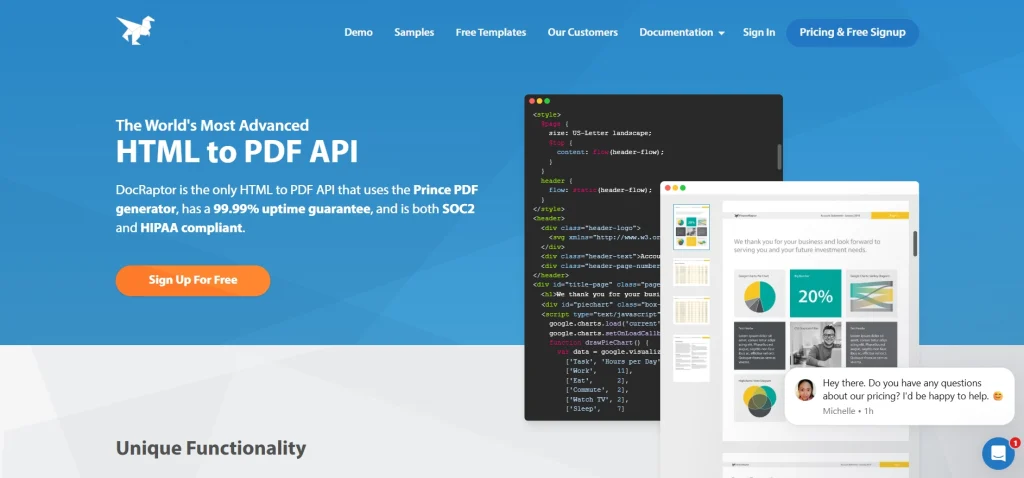
DocRaptor is the specialist of the three. It is a straight HTML-to-PDF (and Excel) API built for print-grade output. If your documents lean on advanced CSS, precise page breaks, headers and footers, and print standards, DocRaptor renders them faithfully. There is no drag and drop editor and no AI here, and that is by design. You bring your own HTML and data, and DocRaptor turns it into a polished document. It is a developer’s converter, not a template platform.
Key Features
- Print-grade rendering. Get high-fidelity output with strong support for advanced CSS and print standards, so complex layouts land exactly as designed.
- HTML to PDF and Excel conversion. Turn your markup into clean PDFs, or export tabular data straight to Excel when a spreadsheet is the better deliverable.
- JavaScript preprocessing. Let scripts run before rendering so charts, dynamic content, and client-side logic show up correctly in the final file.
- Advanced debugging tools. Trace rendering issues with detailed logs and diagnostics instead of guessing why a layout broke.
- Synchronous and asynchronous generation. Generate on demand for single documents, or fire off long-running jobs and collect them later at scale.
- S3 upload support. Send finished documents straight to your own Amazon S3 bucket without an extra step in your pipeline.
Integrations
DocRaptor is API first, with a REST API and official SDKs for Ruby, Python, PHP, Node.js, Go, Java, and .NET. There are no native no-code connectors, so automation runs through your own code or middleware.
Pricing
- Free: $0/month (5 docs)
- Basic: $15/month (125 docs)
- Professional: $29/month (325 docs)
- Premium: $75/month (1,250 docs)
- Max: $149/month (5,000 docs)
- Bronze: $399/month (15,000 docs)
- Silver: $1,000/month (40,000 docs)
- Enterprise: unlimited documents, contact sales
Pricing is per document, so every document counts the same whether it is one page or fifty. That is clean and predictable at low volume, but the math starts to matter as you scale.
Pros
- Excellent print quality
- Strong CSS and print standards support
- Reliable for complex, layout-heavy documents
Cons
- No template editor or AI features, so you manage everything in code
- Per-document pricing adds up at higher volumes
- No image generation
Best For
Teams that need high-fidelity print output from HTML and are comfortable managing their own templates and data in code.
Know more – How CraftMyPDF is a better alternative to DocRaptor.
PDF Noodle
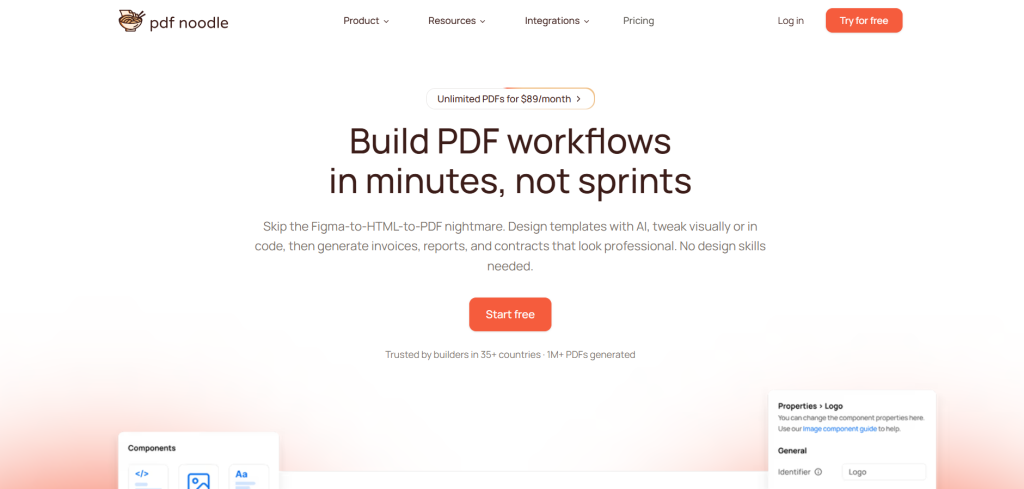
PDF Noodle takes the opposite approach to DocRaptor. It is an AI-first platform built for volume. Describe the document you want in plain text and it drafts a template for you, which you can then refine in a drag and drop editor. The headline feature is unlimited PDF generation on the Business and Scale plans, so once you are past the entry tier you stop counting documents entirely. Add a full kit of PDF tools like merge, split, compress, watermark, and OCR, and it becomes a strong pick for teams generating PDFs at serious scale.
Key Features
- AI template creation from text prompts. Describe the document you need and let AI generate the first draft, so you start from a working template instead of a blank page.
- HTML to PDF with full CSS3 support. Use Flexbox, Grid, and custom fonts to build modern layouts that render the way you designed them.
- Drag and drop template editor. Refine AI-generated templates or build from scratch visually, without hand-coding every element.
- Unlimited PDF generation (Business and Scale). Stop counting documents once you are past the entry plan, which keeps costs flat at high volume.
- Regional endpoints (US, EU, SG, AU). Generate and store documents closer to your users for lower latency and data residency.
- Bulk PDF generation. Produce large batches of documents in one go, ideal for statements, invoices, or reports sent on a schedule.
- Full PDF toolkit. Merge, split, compress, watermark, and OCR files directly, so you do not need a separate tool for post-processing.
- Direct S3 upload. Push generated files straight to your own Amazon S3 storage as part of the workflow.
- White-label embedded editor (Pro and above). Drop a branded editor into your own app so your users can manage templates themselves.
Integrations
Zapier, Make, n8n, and Bubble for no-code automation, plus SDKs for Node.js, Python, and PHP. Any other language can use the REST API directly.
Pricing
- Starter: $35/month (1,000 PDFs, 5 templates)
- Business: $89/month (unlimited PDFs, 25 templates)
- Pro: $199/month (unlimited PDFs, 200 templates, white-label editor)
- Custom: Enterprise plans with custom SLAs
- 7-day free trial on all plans, except custom.
The pricing story is simple: the Business plan removes per-PDF limits entirely, so if you generate a lot of documents, your costs stop scaling with volume. That is a big deal compared to per-document models, where a busy month means a bigger bill.
Pros
- Unlimited generation starting on the mid-tier plan
- AI template creation saves real setup time
- Comprehensive PDF tools included out of the box
- No per-PDF fees on Business and above
Cons
- No image generation
- SOC 2 compliance is not stated (GDPR and HIPAA only)
Best For
Teams generating PDFs at scale who want unlimited generation and AI-assisted template creation.
Know more – How CraftMyPDF is a better alternative to PDF Noodle.
CraftMyPDF
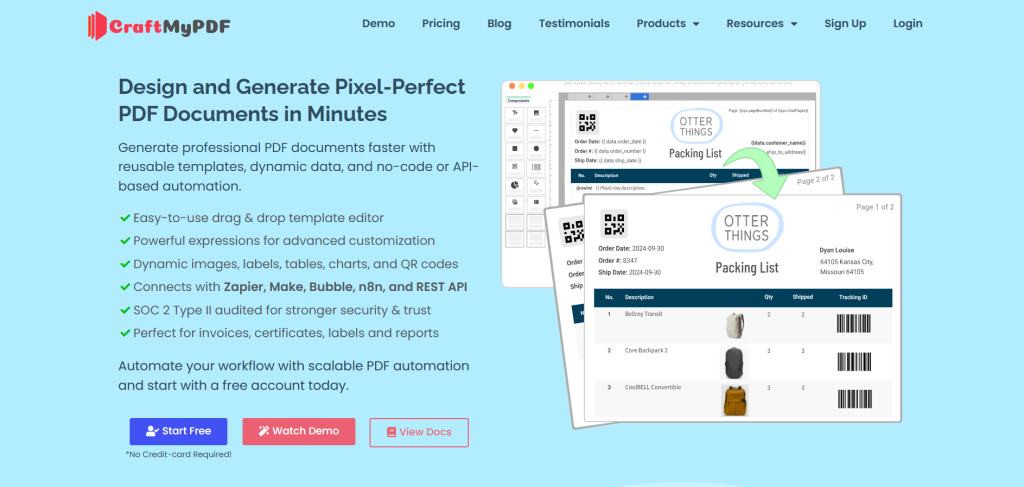
CraftMyPDF sits in the sweet spot between the other two. You get an advanced drag and drop editor that non-technical users can pick up quickly, but you also get the automation and scale that developers care about. It is the only tool of the three that generates both PDFs and images from the same account, so you can produce invoices, reports, social graphics, and banners in one place. Add regional endpoints and SOC 2 Type 2 compliance, and it becomes an easy option for teams that want speed and control without an enterprise contract.
Key Features
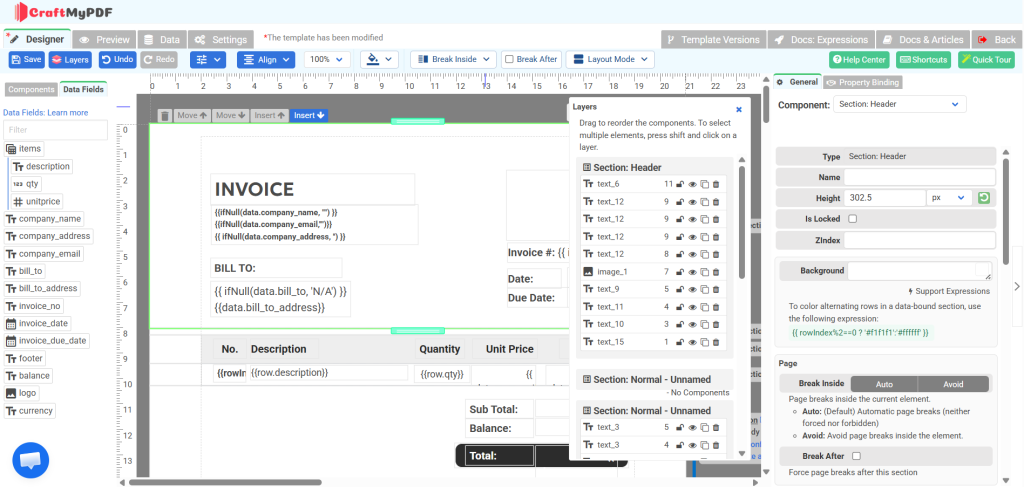
- Advanced drag and drop editor in any browser. Design pixel-perfect templates visually, with enough depth to handle complex layouts like multi-level invoices.
- Turn existing PDFs into fillable templates with AI. Upload a PDF and let AI map out fields, so you skip rebuilding documents from scratch.
- PDF and image generation from a single account. Create both documents and images (banners, social graphics) without paying for two separate tools.
- Regional API endpoints (US, EU, SG, AU). Generate and store files closer to your users for lower latency and data residency compliance.
- Rich template components. Bind text, images, tables, charts, barcodes, QR codes, and interactive form fields directly to your JSON data.
- No-code and low-code integrations. Connect to Zapier, Make, n8n, and Bubble to automate PDF creation without writing glue code.
- Bring Your Own Storage (BYOS). Send generated files straight to your own AWS S3 or Cloudflare R2 bucket so they stay under your control.
- Template versioning and 2FA. Track template changes over time and protect accounts with two-factor authentication.
- REST API with simple JSON payloads. Generate a document with a single API call by passing your template ID and data as JSON.
Integrations
Zapier, Make, n8n, Airtable, Bubble.io, and Hubspot, plus a REST API for custom builds. You can automate the whole flow in three steps: create a template, connect your data, and generate the PDF.
Pricing
- Free: $0/month, 50 PDFs or images, 3 templates
- Lite: $29/month, 1,200 PDFs or images, 6 templates
- Plus: $49/month, 3,000 PDFs or images, 15 templates
- Professional: $99/month, 12,000 PDFs or images, 50 templates
- Premium: $299/month, 40,000 PDFs or images, 1,000 templates
- Business: $499/month, 150,000 PDFs or images, 10,000 templates
Credits are simple: each PDF generation costs 1 credit no matter how many pages it has, and lighter operations like adding a watermark or merging cost about 0.5 credit each. Take a 10-page PDF as an example. On CraftMyPDF it costs the same single credit as a 1-page receipt, so a long invoice or contract never eats into your quota faster than a short one. DocRaptor takes a similar stance and never charges extra for large or complex documents, counting that 10-page PDF as one document against your plan. PDF Noodle goes further on its unlimited plans (from 89 dollars/month), where there are no per-PDF fees at all, so page count simply does not enter the equation.
Security and Compliance
Security is not an afterthought here. CraftMyPDF is SOC 2 Type 2 audited, and with regional endpoints plus Bring Your Own Storage, you keep control over where your documents live. That combination matters if you handle sensitive customer data or have data residency requirements.
Pros
- The easiest editor of the three for non-technical users
- PDF and image generation in one place
- Regional endpoints and BYOS for compliance and speed
- SOC 2 Type 2 audited
- Generous free tier with no credit card required
Cons
- Not as code-pure as DocRaptor for hardcore HTML workflows
- Fewer official SDKs than some competitors, although the REST API works from any language that can make HTTP requests
Best For
Non-technical teams, startups, and businesses that want pixel-perfect documents from reusable templates without writing much code, plus image generation and regional compliance in the same tool.
So, Which One Should You Pick?
You have the full picture now, so here is the short version.
Pick DocRaptor if you need high-fidelity print quality and are comfortable with pure HTML-to-PDF workflows.
Pick PDF Noodle if you want unlimited generation at scale and AI-powered template creation.
Pick CraftMyPDF if you want the easiest editor for your whole team, both PDFs and images from one account, regional performance, and SOC 2 Type 2 compliance without paying enterprise prices.
Honestly, the best way to decide is to try them. CraftMyPDF gives you 50 PDFs or images per month for free, no credit card needed. That is enough to build a real template, run it through your workflow, and see if it fits before you commit.
Sign up for CraftMyPDF free and create your first PDF in minutes.
Additional Resources
Want to go deeper on PDF generation and automation? These are worth a read:
Start generating PDFs today
Design templates in the browser and generate pixel-perfect PDFs via a simple REST API. 50 free PDFs every month, no credit card required.
Keep reading
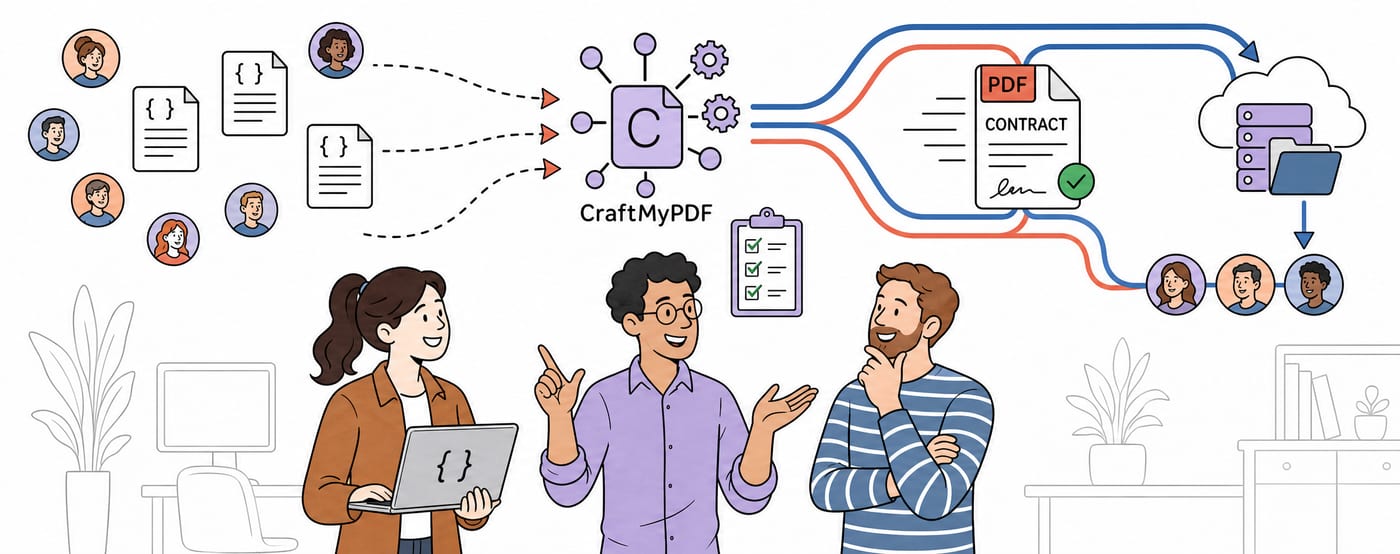
CraftMyPDF vs DocuSign vs PandaDoc: Which eSignature API Should Developers Choose in 2026?
DocuSign, PandaDoc or CraftMyPDF? Compare eSignature API pricing, webhooks, embedded signing, eIDAS levels and the steps from data to a signed PDF.
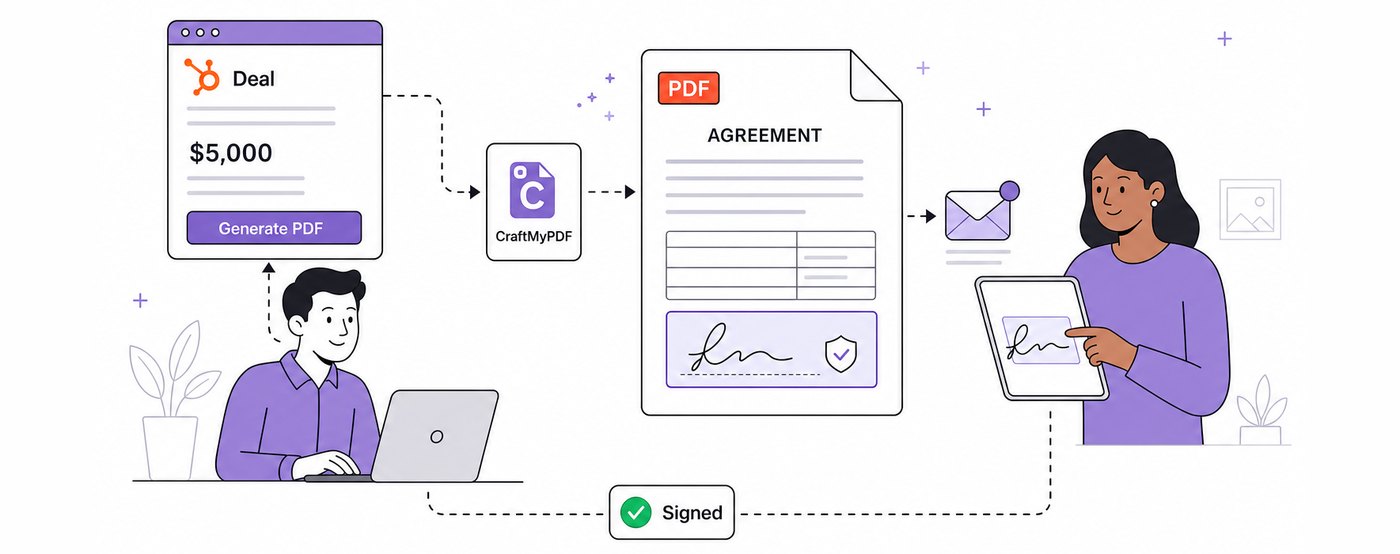
How To Add eSignatures To HubSpot Deals (Without Leaving Your CRM)
Send HubSpot deal documents for eSignature straight from the Deal record: install the CraftMyPDF app, build a signature-ready template, and track signed PDFs.
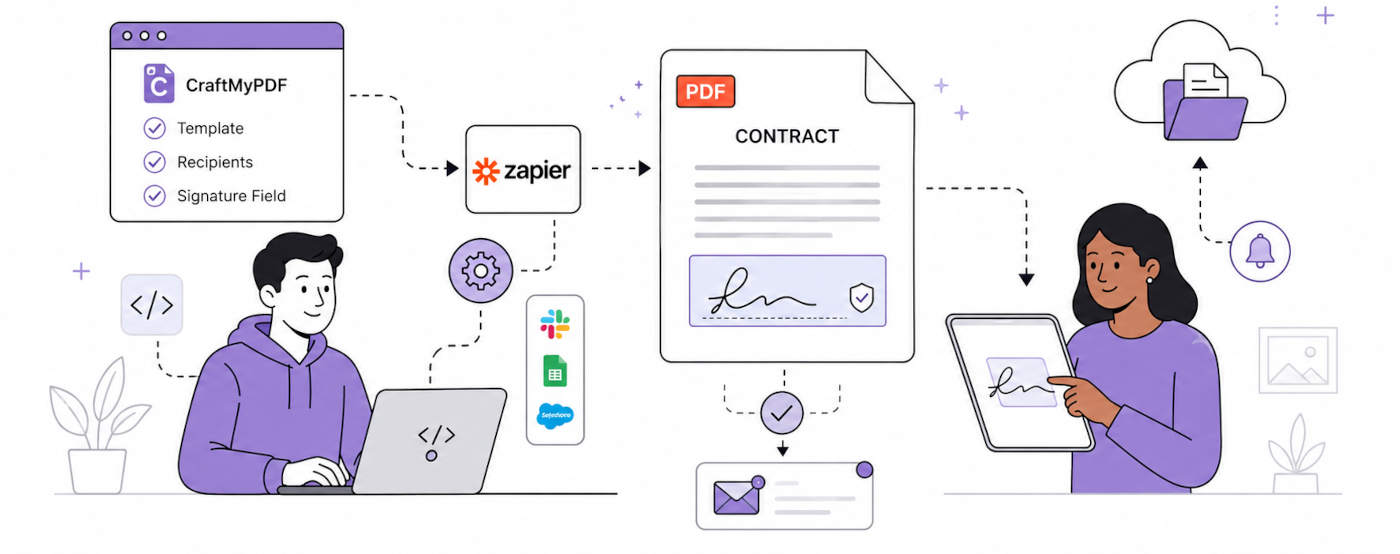
How To Automate eSignatures Using Zapier (with CraftMyPDF)
A step-by-step guide to sending contracts for eSignature automatically: build the template once, trigger it from Zapier, track signing status in CraftMyPDF.