
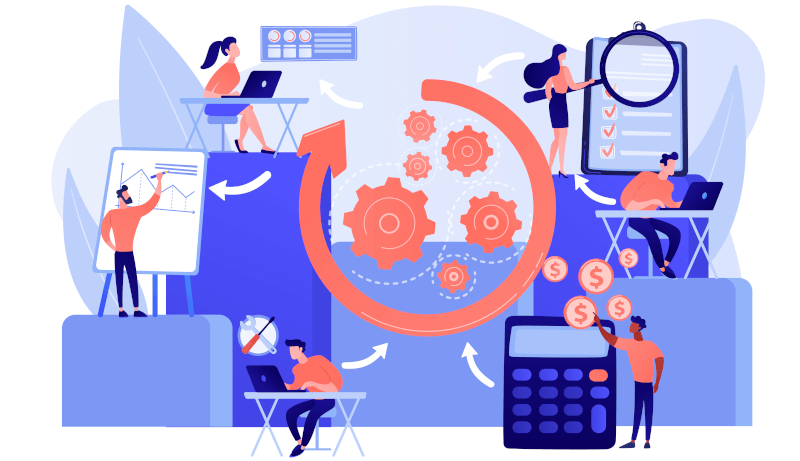
What’s No-code? A Basic Guide to No-code (Overview, Platforms & Benefits)
In this guide, we'll dive deeply into the world of no-code, exploring what it is, how it works, and some of the key benefits it can offer businesses and developers alike.

This website uses cookies to improve your experience while you navigate through the website. Out of these, the cookies that are categorized as necessary are stored on your browser as they are essential for the working of basic functionalities of the website. We also use third-party cookies that help us analyze and understand how you use this website. These cookies will be stored in your browser only with your consent. You also have the option to opt-out of these cookies. But opting out of some of these cookies may affect your browsing experience.
Necessary cookies are absolutely essential for the website to function properly. These cookies ensure basic functionalities and security features of the website, anonymously.
Functional cookies help to perform certain functionalities like sharing the content of the website on social media platforms, collect feedbacks, and other third-party features.
Performance cookies are used to understand and analyze the key performance indexes of the website which helps in delivering a better user experience for the visitors.
Analytical cookies are used to understand how visitors interact with the website. These cookies help provide information on metrics the number of visitors, bounce rate, traffic source, etc.
Advertisement cookies are used to provide visitors with relevant ads and marketing campaigns. These cookies track visitors across websites and collect information to provide customized ads.
Other uncategorized cookies are those that are being analyzed and have not been classified into a category as yet.
Author:
The house byline for the CraftMyPDF team, based in Singapore: product guides, template editor walkthroughs, integration tutorials for Zapier, Make.com and n8n, and practical tips for PDF and image generation.
Page 2 of 3
In this guide, we'll dive deeply into the world of no-code, exploring what it is, how it works, and some of the key benefits it can offer businesses and developers alike.
Have you ever needed to generate a PDF from HTML? Perhaps you had a web form that needed to be printable, or you wanted to export some data from your web app in PDF format. In any case, there’s a tool that can help you with that, and it’s called Puppeteer. Puppeteer is a Node.js
The teams feature is a shared workspace that allows you to collaborate and get things done in your organization, it’s much easier to share templates with your team.
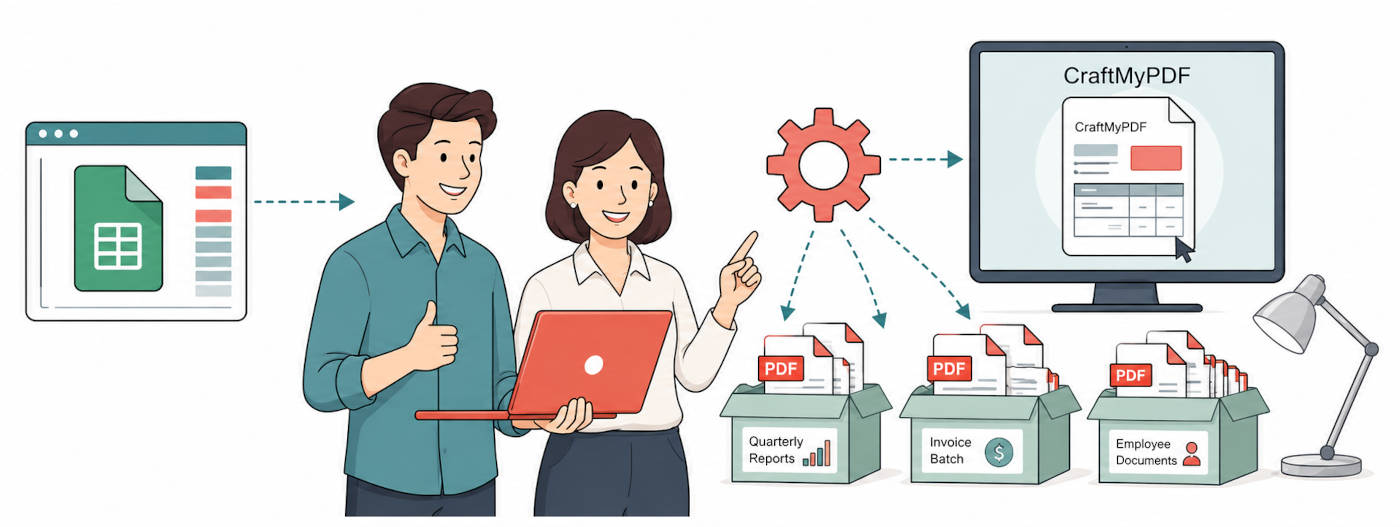
This tutorial will walk you through the steps of generating a PDF document with Zapier, CraftMyPDF, and Google spreadsheet(Using JSON payload).
In the first part of this tutorial, we will briefly introduce what’s mail merge and the components of mail merge. In the second part, we are going to walk you through the steps to automate the process of mail merging into PDF.
We have built a native Bubble.io plug-in for you to generate PDF documents easily. In this tutorial, we will guide you to generate PDF documents with our Bubble.io plug-in.
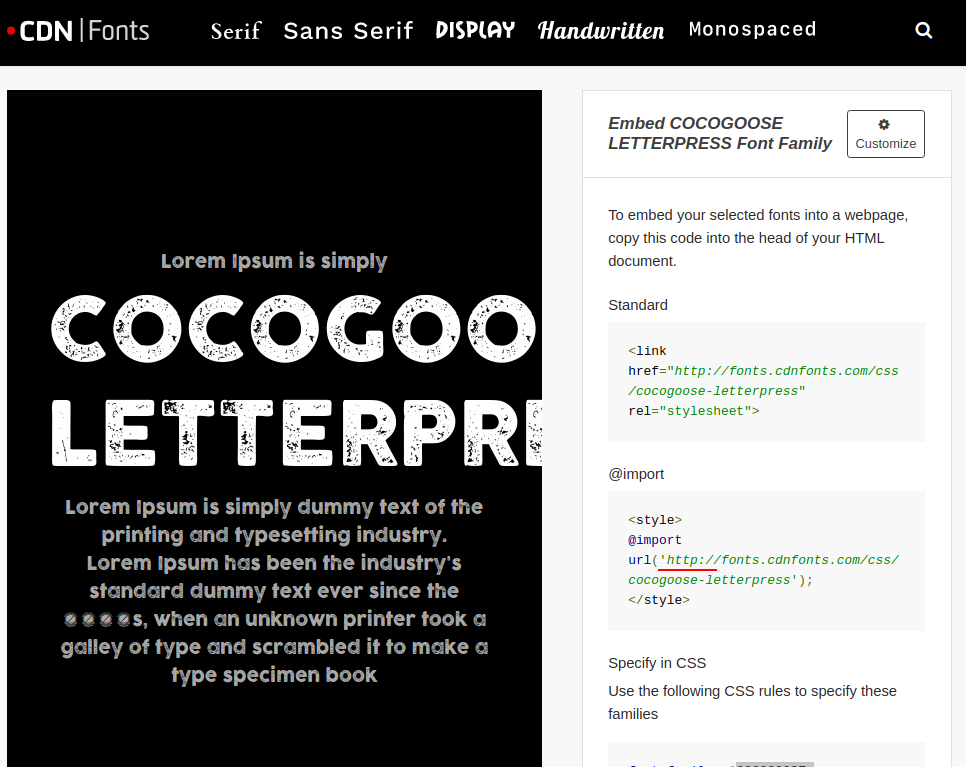
PDF format is capable of embedding fonts. CraftMyPDF not only supports Google fonts but also supports custom fonts.
In this article, we are going to use a python library PDFKit to generate PDFs from HTML. In addition, we also make use of CraftMyPDF’s PDF generation API to create PDF documents from a drag-and-drop template.
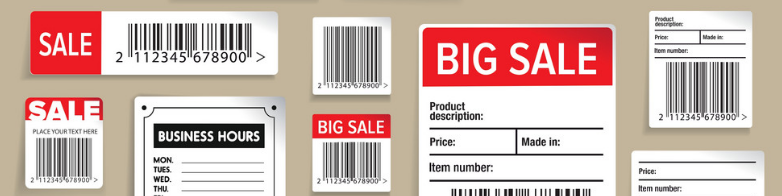
In this article we talk about what is a barcode, history of barcodes, use-cases, benefits and also how to create barcode in PDF with CraftMyPDF.
Having QR codes in PDF is a handy thing in your business that can serve multiple purposes. You can share more information about your company or portfolio while sending a PDF proposal. If you wonder how to make a QR code in PDF, we've got you covered.